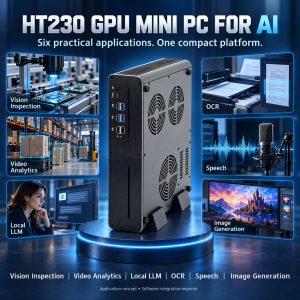
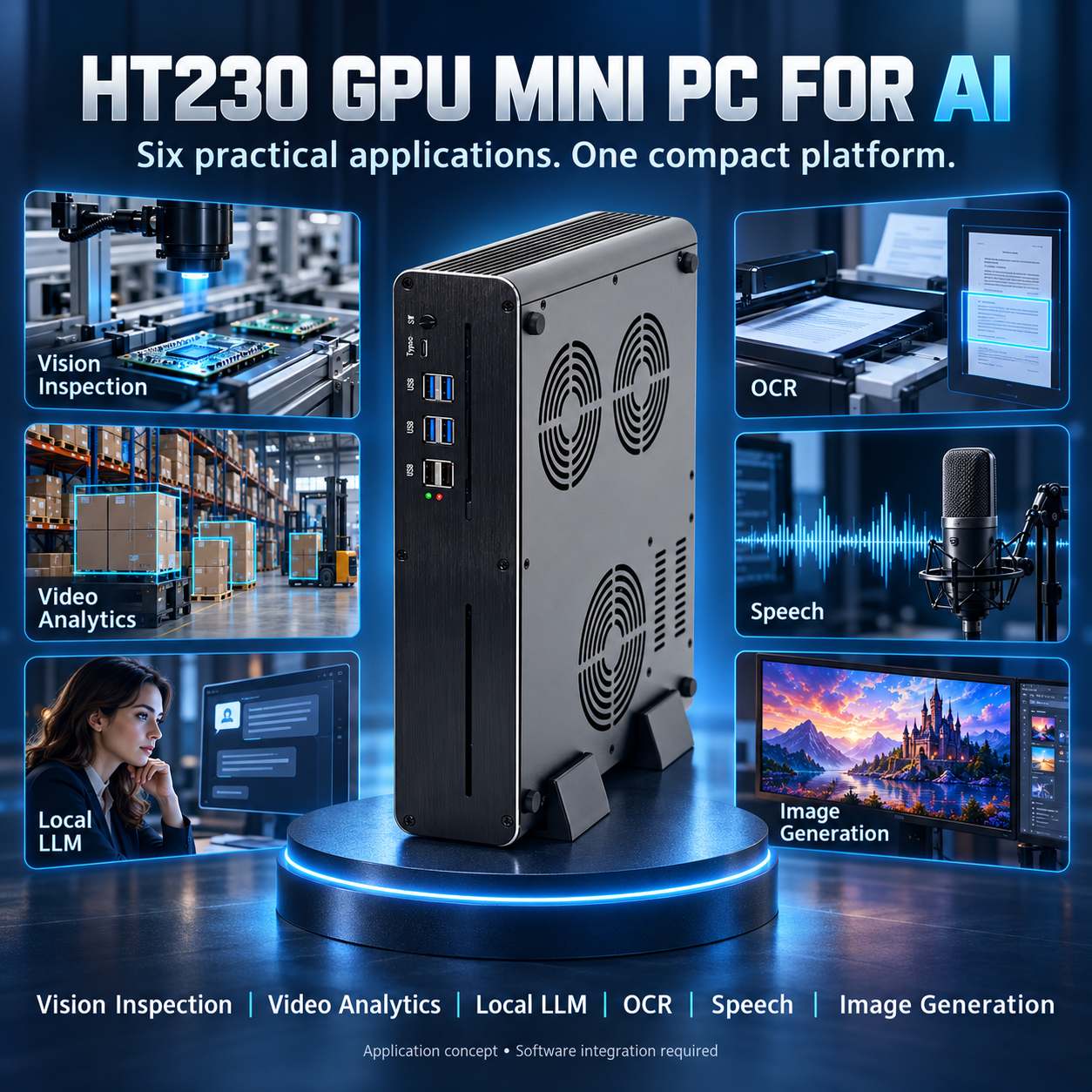
HT230 GPU Mini PC for AI: Six Practical Edge AI Applications
Choosing a mini PC for AI starts with the workload: the model, input data, response time, and number of users. A camera inspection station has different requirements from a local document assistant, even when both use GPU acceleration.
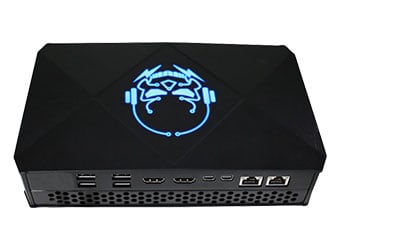
The JIERUICC HT230 is a compact computer with dedicated NVIDIA graphics, offering a hardware platform for local AI inference, computer vision, and selected generative AI workflows. Its listed configurations include Intel Core i9-11900KB or i7-13620H processors, RTX 4060 8GB or RTX 5060 8GB graphics options, and up to 64GB of system memory.
For system integrators, software vendors and enterprise buyers, the key opportunity is deploying an appropriately sized AI application close to its data source. The applications below describe practical integration approaches. They require suitable software and project validation; they are not preinstalled functions or measured HT230 performance claims.
What Makes the HT230 Suitable for Local AI Projects?
| Hardware feature | Project relevance |
| Dedicated RTX 4060 8GB or RTX 5060 8GB graphics options | GPU acceleration for compatible inference software; model size must fit the available memory budget |
| Intel Core i9-11900KB or i7-13620H CPU options | Data preparation, application services, and tasks that remain on the CPU |
| Up to 64GB system RAM; DDR4 on the i9 platform and DDR5 on the i7 platform | Capacity for application services, document processing and local databases |
| Two M.2 2280 storage positions and one 2.5-inch SATA drive position | Options for separating the operating system, models and retained project data; confirm interfaces for the selected build |
| Two Gigabit Ethernet ports | Connectivity for a camera-side network and an enterprise network, with appropriate software configuration |
| Six USB 3.0 ports | Connections for compatible cameras, scanners, microphones and other peripherals |
| HDMI and DisplayPort outputs, configuration dependent | Local dashboards, operator interfaces and result review |
| 300 × 236 × 63mm aluminum enclosure with active fan cooling | A compact desktop format for offices, labs and suitably protected workstations |
The specification lists Windows 10/11 and Ubuntu Linux compatibility. Select a currently supported operating system and validate its GPU driver, inference runtime, and application dependencies together. The presence of two Ethernet ports does not automatically provide network isolation, and the ports are not specified as PoE outputs.
1. AI Visual Inspection for Manufacturing
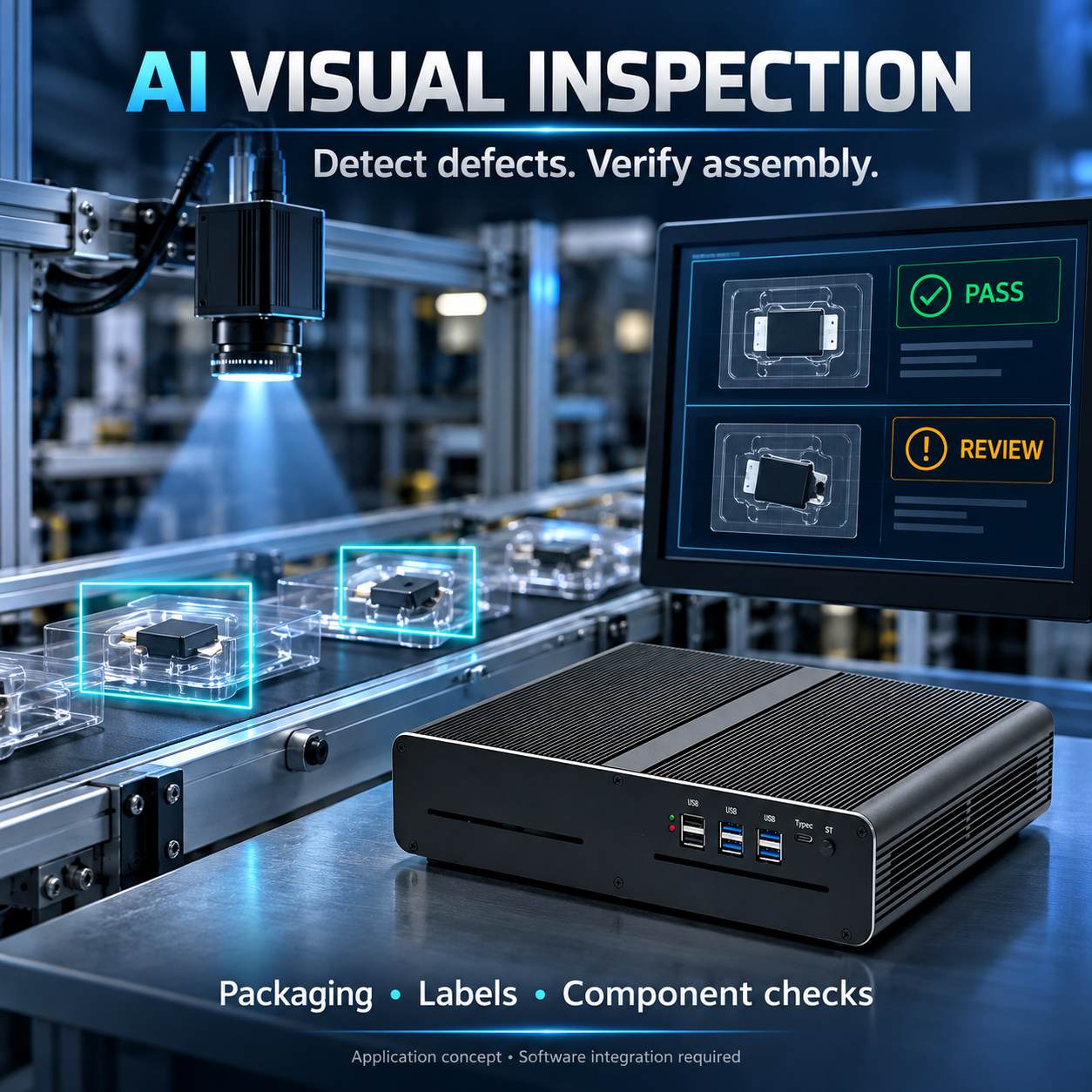
Manufacturers can use computer vision to check label placement, component presence, packaging completeness, or visible surface defects. This is a practical starting point when the inspection task is clearly defined and repeatable.
A typical workflow captures an image with a USB or Ethernet camera, runs a trained detection or classification model on the HT230, and sends a result to the operator interface or production system. An integrator can connect the result to a PLC through a supported network protocol or an external industrial interface.
Begin with one inspection station, controlled lighting, and representative examples of both acceptable and defective products. Evaluate missed defects, false rejects, and total trigger-to-result latency under the real production cycle. Camera exposure, optics, and object positioning are as important as the computer.
An RTX 4060 or RTX 5060 8GB configuration with 32GB RAM is a reasonable pilot candidate, subject to the model’s requirements. Validate throughput before adding cameras. HT230 is not specified with native industrial trigger I/O, so applications requiring deterministic triggering or reject control need appropriate external hardware.
2. AI Video Analytics for Retail and Warehouses
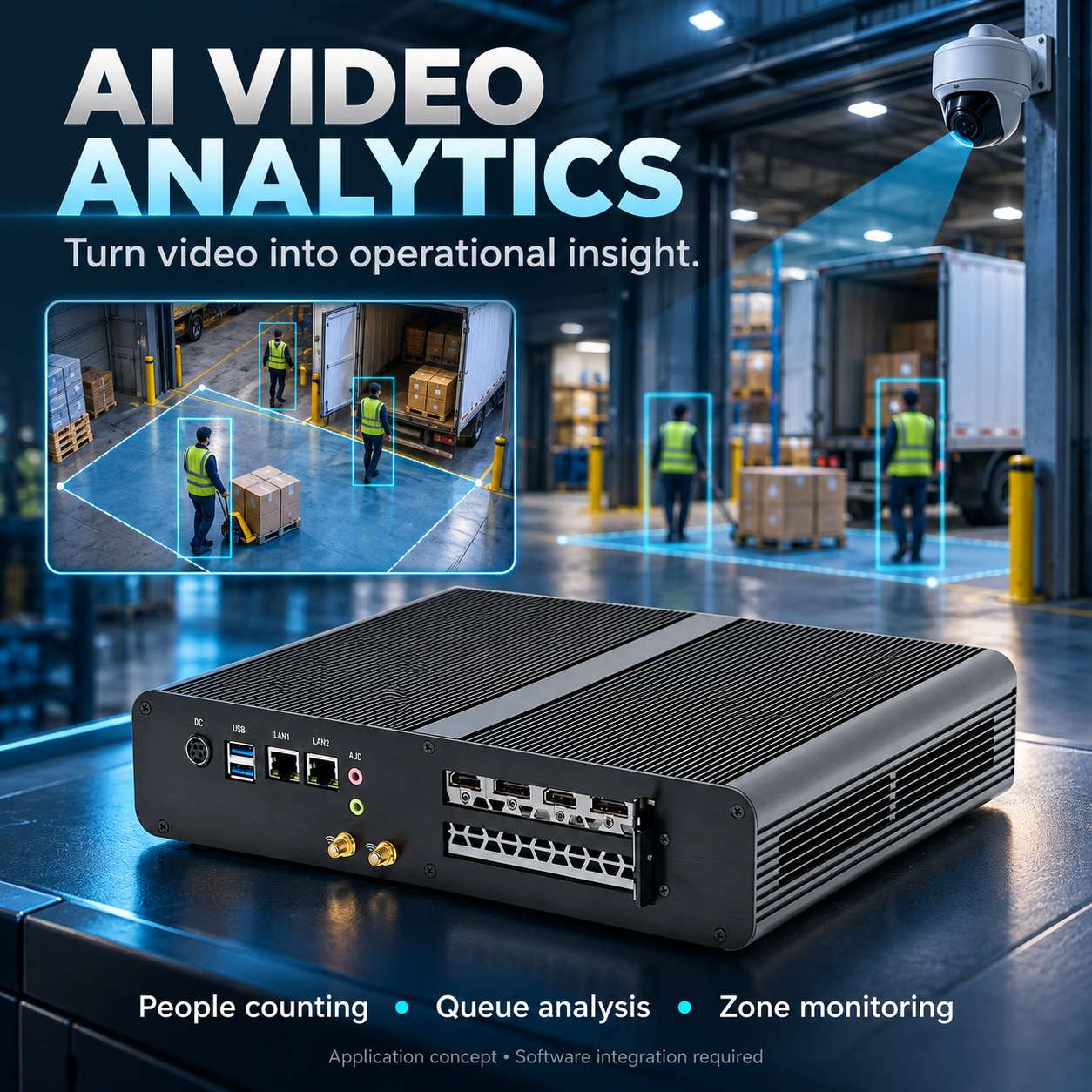
An AI video analytics PC can help turn existing camera streams into operational information: queue length, people counts, loading-area activity, or occupancy of defined zones.
IP cameras connect to the HT230 through a network switch. Compatible software decodes the streams, performs detection and tracking, and publishes events to a dashboard or management application. Where cameras require PoE, use an external PoE switch or injector.
Start with a small pilot and measure decoding load, GPU memory use, event accuracy, and end-to-end alert delay. Determine the supported camera count from the actual codec, resolution, analysis frame rate, and model. There is no reliable fixed camera count based only on the GPU name.
Use one network interface for camera connectivity and the other for the enterprise network when the application design calls for it. Configure routing and access rules explicitly. Define retention settings so the project stores only the video or event evidence it needs. Video analytics should support operational decisions, with human review where errors matter.
3. Local LLM and Company Knowledge-Base Assistants
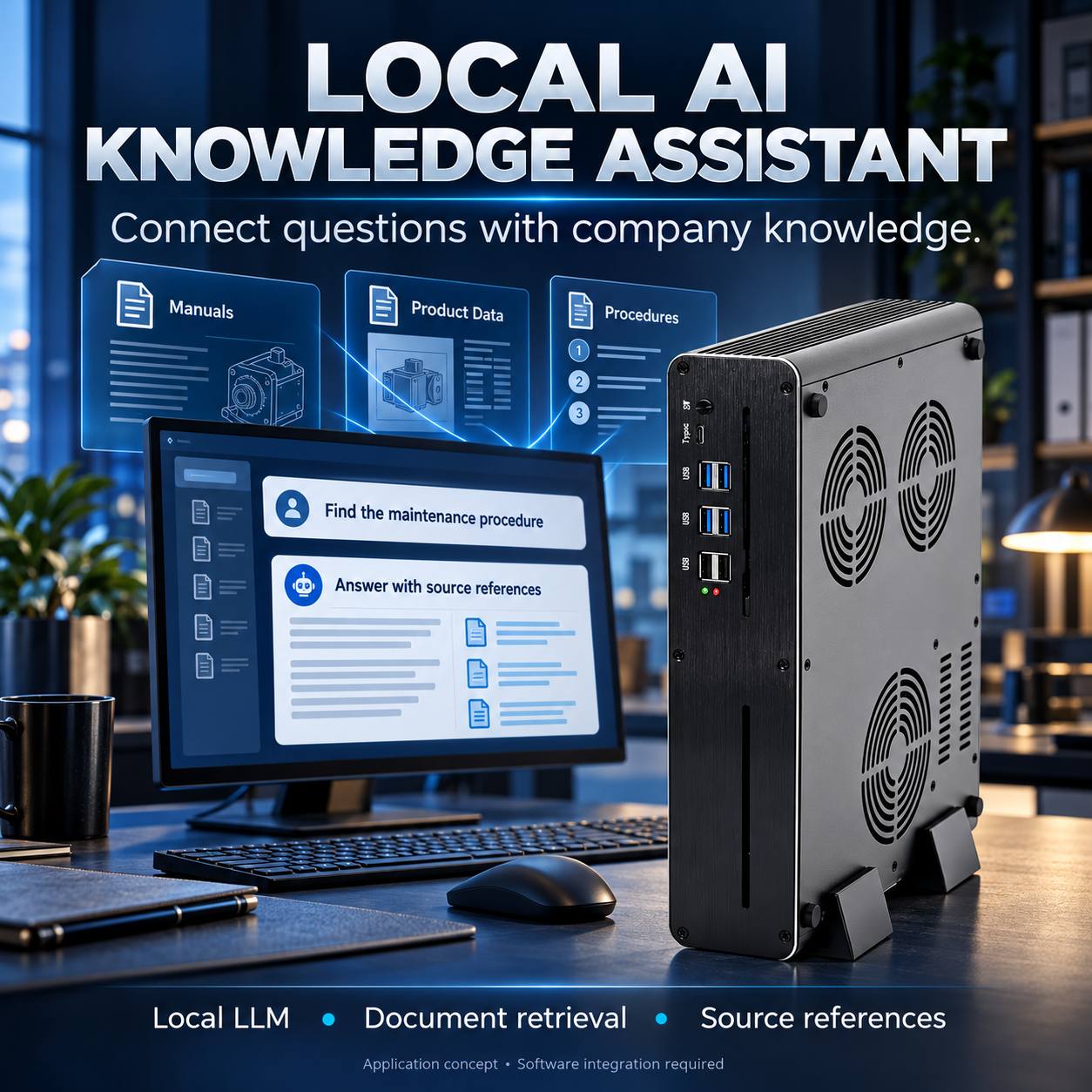
A mini PC for local LLM deployment can support a small team’s internal document assistant, maintenance manual search, or product information lookup. A focused application with limited concurrency is the most practical starting point for an 8GB GPU configuration.
In a retrieval-augmented generation, or RAG, workflow, documents are extracted, divided into searchable sections, and indexed locally. When a user asks a question, the application retrieves relevant sections and passes them to a language model. Answers should include references to the source documents so users can check them.
Start testing with a compact quantized model, such as an appropriate 3B–8B-class model, rather than assuming every model of that size will fit. Model weights, context length, KV cache, embedding services, and concurrent requests all affect GPU memory use. A 7-billion-parameter model at 4 bits has roughly 3.5GB of raw weights alone; that is not its total runtime memory requirement.
Consider 32GB or 64GB of system RAM for the complete application. More system memory does not turn an 8GB GPU into a larger-VRAM GPU. CPU offloading may make some models usable, but can change response times substantially.
Ollama is one runtime option to evaluate; its official hardware documentation lists RTX 4060 and RTX 5060 support. Compatibility still depends on the shipped GPU, driver, and runtime version. Test answer quality, first-token latency, generation speed, and simultaneous users on the exact configuration.
Keeping data local requires the entire workflow to be local, including embeddings and document processing. Configure authentication, document permissions and outbound connections accordingly.
4. AI OCR and Document Processing
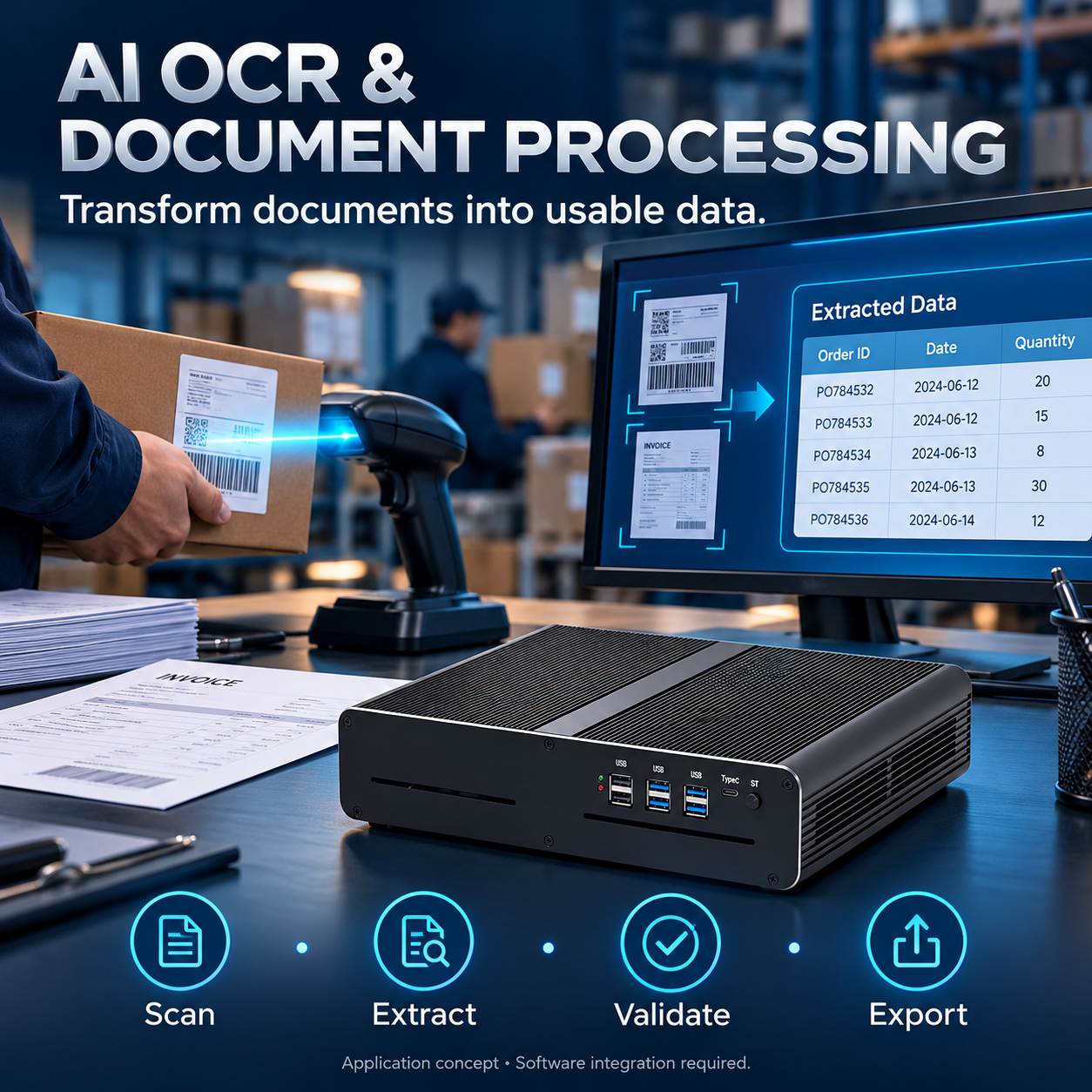
Logistics teams and enterprise back offices can use an OCR computer to extract information from shipping labels, scanned forms, invoices, and product packaging.
Connect a scanner or camera, preprocess the image, run text detection and recognition, and map the extracted fields to the required business format. The application can then export validated results through an API, CSV file, or database connection to a WMS or ERP system.
Use representative documents during the pilot, including poor lighting, rotated labels, multiple languages, and damaged print. Measure field-level accuracy and documents processed per minute. Route low-confidence results to human review instead of automatically submitting uncertain records.
GPU acceleration is most useful when supported models and document volume justify it. Benchmark the full workflow: scanning and application integration can become the limiting factors even when inference is fast.
5. Speech Transcription and Voice-Enabled Terminals
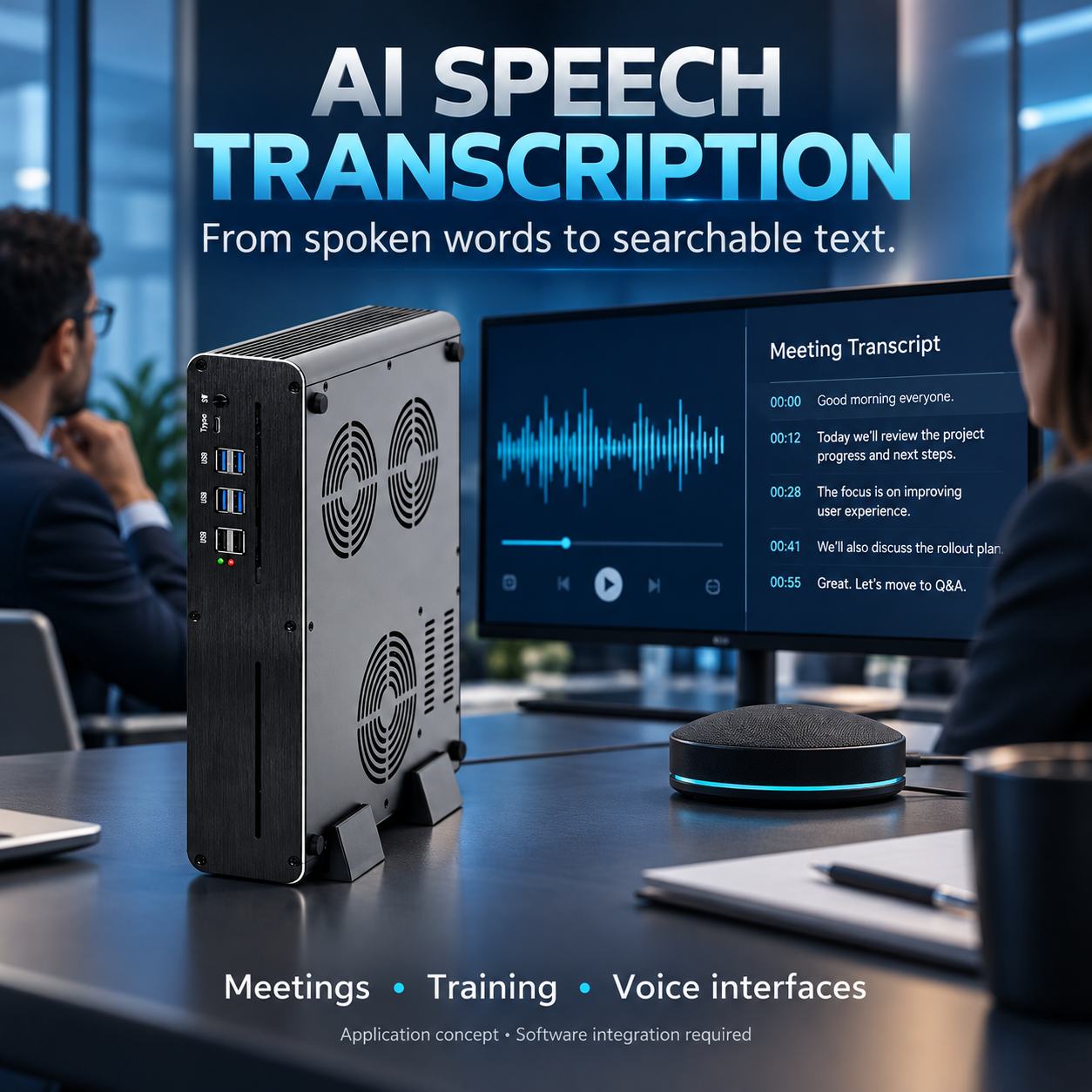
Local speech recognition can support meeting transcription, recorded training content, or a voice interface for a kiosk. The HT230 can act as the host computer for a compatible microphone, speech model, and user application.
The processing chain captures audio, identifies speech segments, performs transcription, and sends the result to an interface or application. A voice assistant may also require a language model and text-to-speech engine; these additional components consume memory and processing capacity.
For a pilot, test one audio stream with the intended language, microphone, and background noise. Measure word error rate and processing delay. For a fully local terminal, verify that speech recognition, response generation, and speech output all work without external services. Size concurrency from measurements rather than promising a fixed number of simultaneous channels.
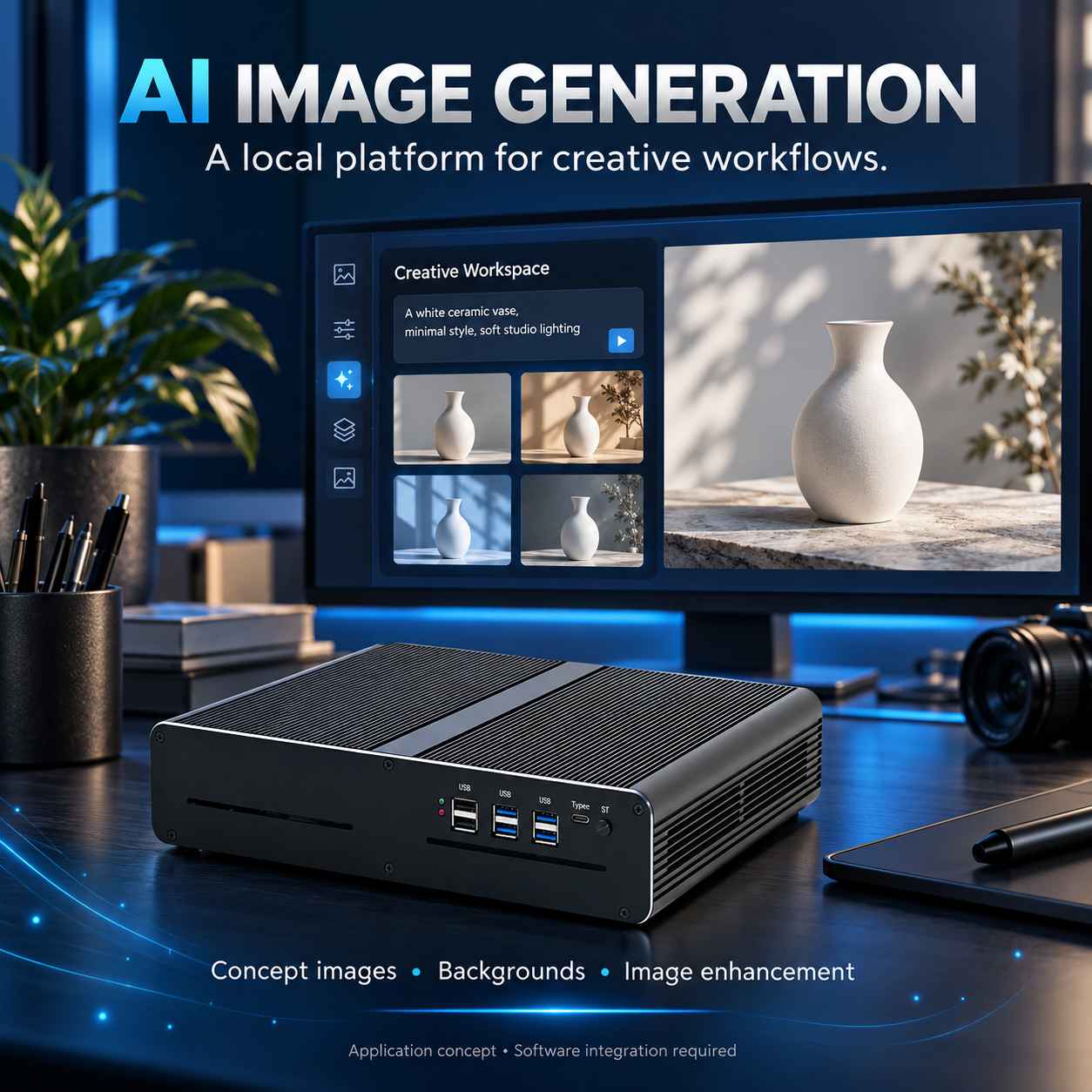
6. AI Image Generation and Creative Workflows
Marketing teams and creative studios can evaluate a compact GPU workstation for product concept images, background generation, or image enhancement using compatible local tools.
Choose a workflow whose models fit the available GPU memory, begin with a batch size of one, and test the target image resolution. Memory-saving techniques may help selected workflows run, but can increase processing time. An 8GB GPU does not guarantee that every diffusion model or multi-stage workflow will fit.
Measure time per image, peak GPU memory, and output quality using a repeatable set of prompts and settings. This application is best presented as a validated creative workstation configuration, not a promise of unrestricted large-model image or video generation.
How to Select an HT230 Configuration
| Pilot workload | Configuration to evaluate | Acceptance checks |
| Single-station visual inspection or OCR | RTX 4060/5060 8GB, 32GB RAM, suitably sized NVMe SSD | Accuracy, cycle time, interface compatibility |
| Local knowledge assistant | RTX 4060/5060 8GB, 32–64GB RAM, storage sized for models and documents | Memory headroom, answer grounding, latency, concurrency |
| Video analytics | RTX 4060/5060 8GB, 32GB RAM, storage sized for retention policy | Stream stability, decode load, event delay |
| Speech or image-generation workstation | RTX 4060/5060 8GB, 32GB RAM, storage sized for models and outputs | End-to-end processing time, quality, sustained load |
These are proposed pilot configurations, not measured performance guarantees. Confirm the available CPU/GPU combination and storage options before ordering. An RTX 5060 and RTX 4060 with the same 8GB memory capacity do not necessarily accommodate different-sized models merely because one GPU is newer.
From Pilot to Repeatable Deployment
Define the model, input format, target latency, concurrency, operating environment, and retention policy first. Test on one production-representative machine using real project data. Run a sustained-load test with the AI application, display workload, and connected peripherals operating together.
Record the complete configuration: GPU identity and power settings, RAM, storage, BIOS, operating system, driver, runtime, and model version. For compatible models, developers can evaluate NVIDIA TensorRT optimization; acceleration is workload dependent and must be measured.
Before scaling, verify recovery after an application failure, device reconnection, and a power interruption. Configure service restart, monitoring, backups, and network access controls as part of the solution. The actively cooled enclosure needs clear ventilation; production-floor installations may require a protected enclosure and a dust-management plan.
Frequently Asked Questions
Can the HT230 run AI without an internet connection?
Selected applications can run locally after their models and dependencies are installed. Offline operation depends on the complete software stack, including licensing, authentication, and any external APIs.
Is the HT230 suitable for training large language models?
Its strongest positioning is local inference and compact development workloads. It should not be presented as a large-scale LLM training server. Limited fine-tuning experiments require separate evaluation of the model, memory budget, and method.
Does 64GB RAM solve an 8GB GPU memory limit?
No. System RAM and GPU VRAM serve different roles. Offloading may allow some workloads to run, but performance can change. Choose the model and context length around the available GPU memory.
Does the hardware include the AI application?
The HT230 provides the computing platform. AI software, models, licenses, cameras, and integration services must be specified separately in the project scope.
Discuss Your AI Hardware Project with JIERUICC
JIERUICC is an OEM/ODM mini PC manufacturer serving system integrators, distributors, software vendors and enterprise buyers. The HT230 offers a compact dedicated-GPU platform to evaluate for local AI applications.