Digital Signage Mini PC Solutions for Retail, Menus & Kiosks
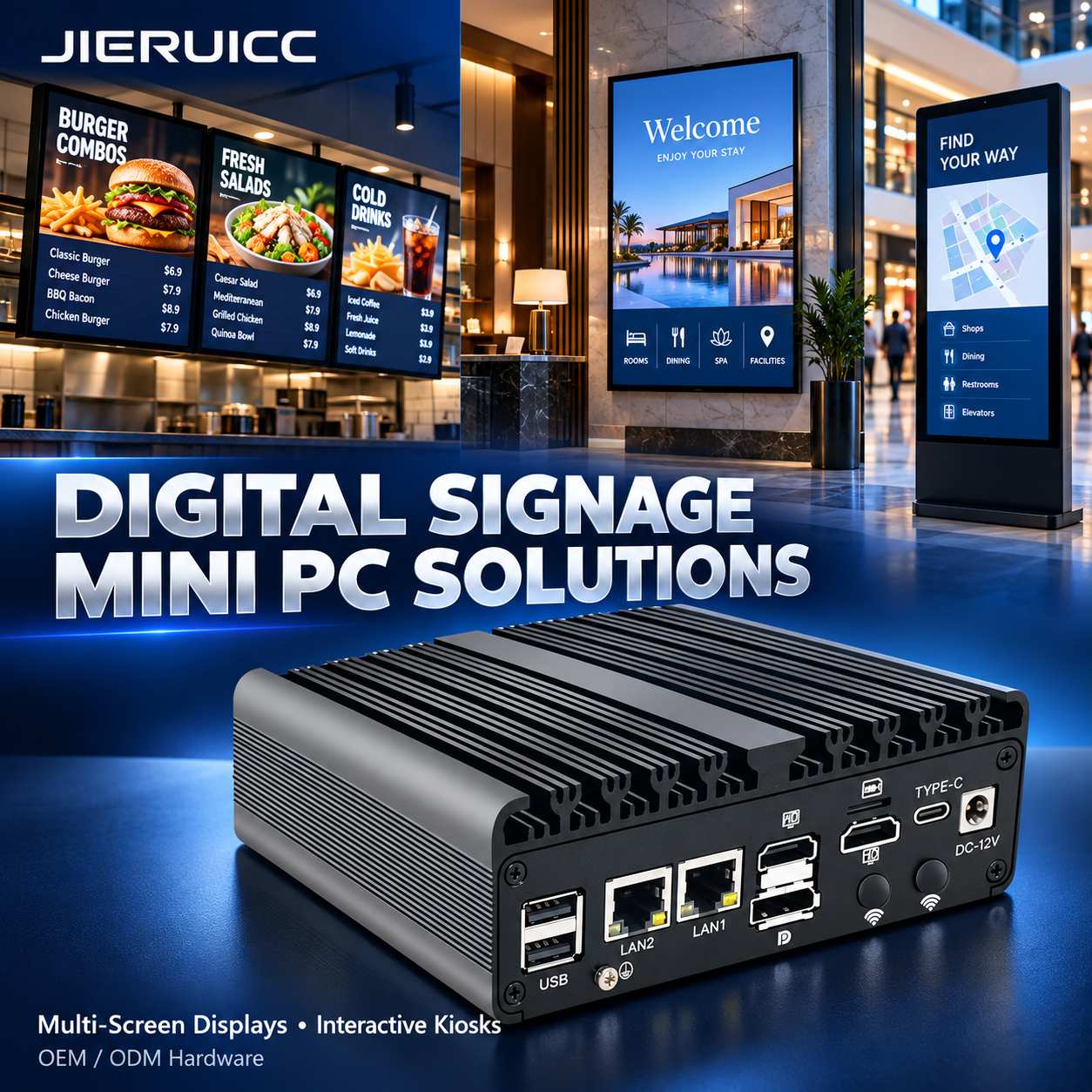
Digital signage supports restaurant menus, retail promotions, hotel information displays, and interactive wayfinding. Reliable operation depends on more than processor performance. Display connectivity, software compatibility, installation conditions, and recovery after interruptions all affect the success of a deployment.
JIERUICC is a Mini PC hardware manufacturer with 15 years of OEM/ODM experience. We support digital signage integrators, equipment brands, distributors, and enterprise customers with hardware selection, customization, and volume supply. Our Mini PCs work with your chosen content management system (CMS), providing the hardware platform for content playback and interactive applications.
1. Select Hardware Around Your Displays and Content
Static menus, video advertising and interactive applications place different demands on a signage player. Start with the number of displays, connection types, resolution, refresh rate, simultaneous video streams, and software requirements. Then select the processor, memory, and storage.
| Recommended Model | Relevant Hardware Features | Suggested Applications |
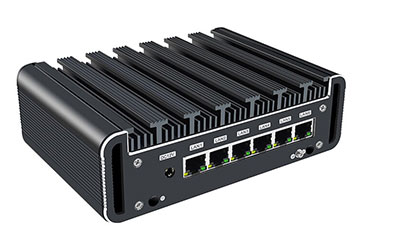
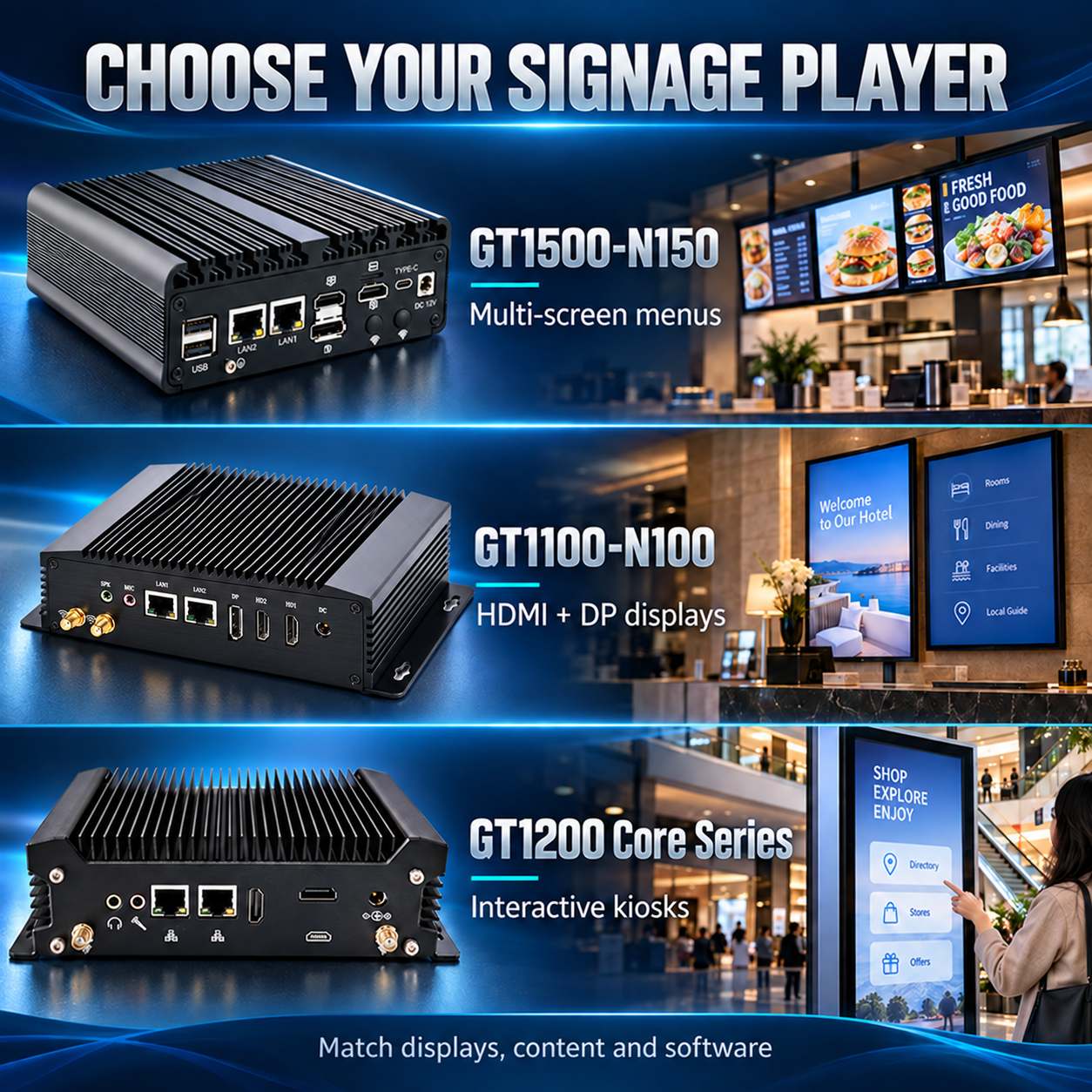
| GT1500-N150 | Intel N150, fanless design and triple-display support | Multi-screen digital menus, retail promotions and information displays |
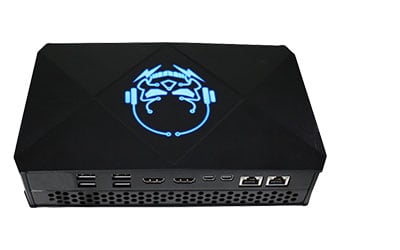
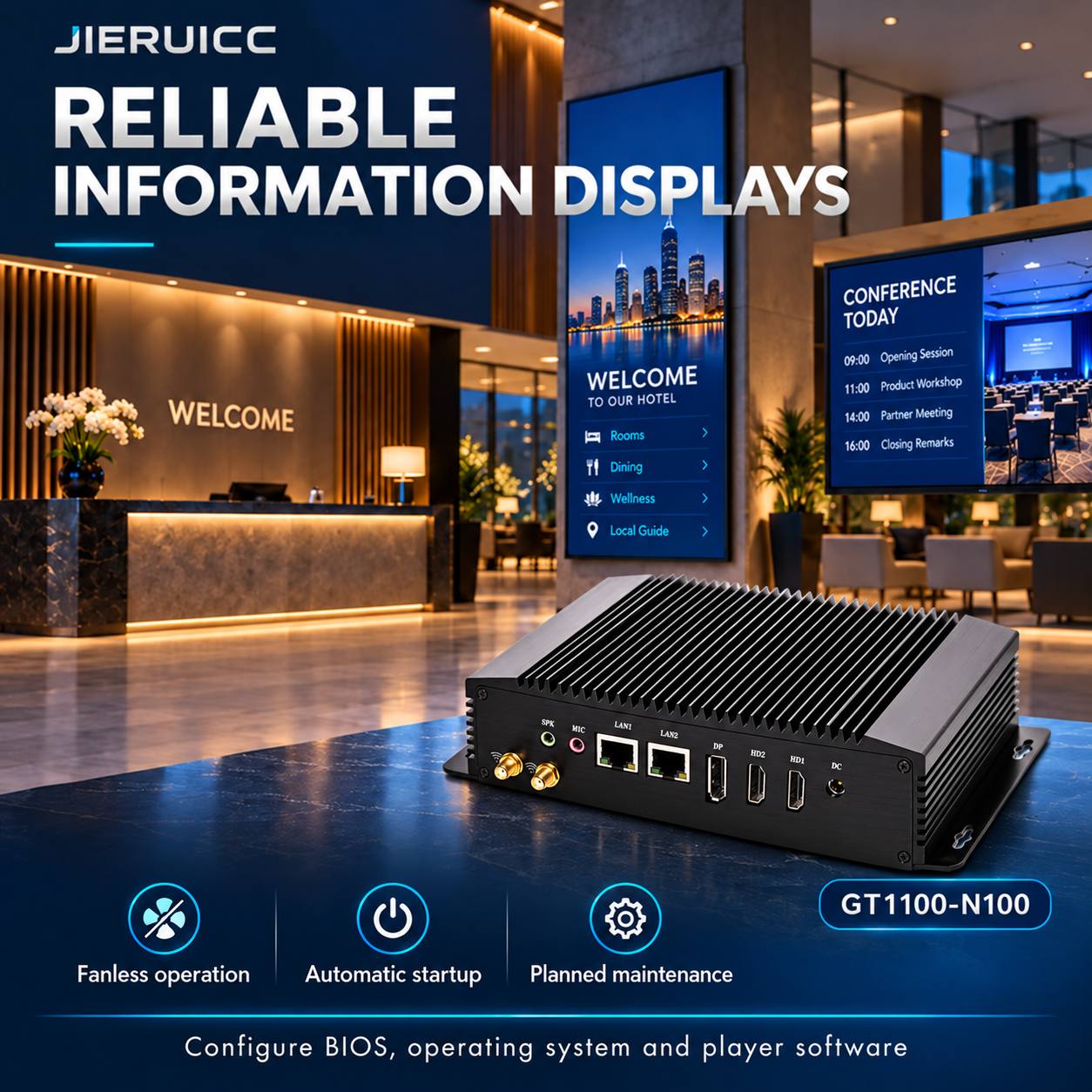
| GT1100-N100 | Intel N100, two HDMI outputs, one DisplayPort output and fanless aluminum enclosure | HDMI/DP display installations, hotel information screens and corporate noticeboards |
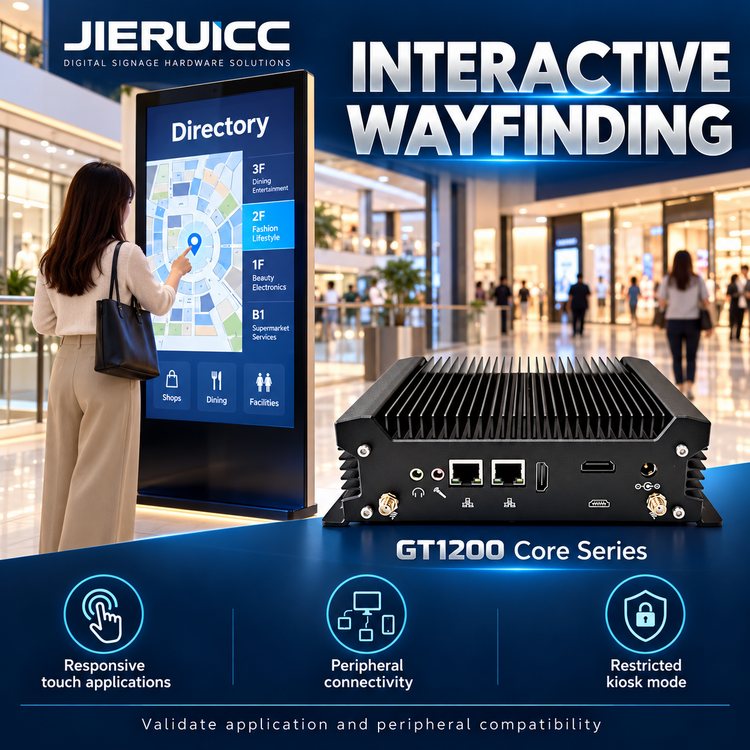
| GT1200 Core Series | Selectable Intel Core processors, dual-display configurations, multiple USB ports and serial connectivity | Interactive wayfinding, touchscreen applications and information kiosks with peripherals |
For image-based content and conventional video playback, 8GB RAM and a 256GB SSD provide a starting configuration for testing. More demanding interactive applications may benefit from a recent-generation Core i5 configuration with 16GB RAM. Final specifications should be validated with your actual content and CMS.
Display output capacity and video playback performance must be assessed separately. Multiple display outputs do not automatically provide frame-synchronized video wall playback. Projects requiring seamless content across screens need additional validation of synchronization, display control, and software support.
Exact ports and specifications depend on the selected hardware configuration.
2. Restaurant and Retail Displays: Simplify Multi-Screen Deployment
Digital menus and retail promotions often require several screens showing different content. The GT1500-N150 can be evaluated as a multi-screen player, paired with a CMS that supports content allocation across multiple displays.
For practical deployment:
- Use one player for adjacent screens where cable distances and installation conditions are suitable.
- Schedule breakfast, lunch, dinner, or promotional content through the CMS.
- Download media and playback schedules to the local SSD in advance.
- Fix display assignments, orientation and content zones, then verify that the layout survives a restart.
- Review price changes before publishing and retain a previous playlist for rollback.
For displays spread across separate areas, individual players can simplify cabling and limit the impact of a single device failure. Check whether CMS licensing is charged per player or per screen when calculating total deployment costs.
3. Hotel and Corporate Displays: Reduce On-Site Intervention
Hotel lobbies, meeting venues, and corporate information screens need dependable operation with minimal noise and manual intervention.
The GT1100-N100 combines a fanless enclosure with HDMI and DisplayPort connectivity. Features including Auto Power On, Wake-on-LAN, and Watchdog can support a recovery strategy when correctly configured with the operating system and application.
| Operating Issue | Recommended Deployment Measure |
| Power returns after an outage | Configure automatic power-on and player startup. Verify that the display also powers on and selects the correct input. |
| Playback application stops responding | Use application monitoring to restart the player. Enable and validate Watchdog support where required. |
| Network connection is lost | Continue with cached media and switch live or web-based content to a local fallback playlist. |
| Display is disconnected or powered off | Test whether resolution, display order, and application placement recover correctly after reconnection. |
| Updates interrupt business hours | Schedule system and application updates within a maintenance window and maintain a rollback procedure. |
Allow sufficient clearance for heat dissipation and servicing when installing a player behind a display or inside a cabinet. Fanless construction does not imply waterproofing or a sealed enclosure. Outdoor installations require separate assessment of environmental protection, temperature, condensation and display brightness.
4. Interactive Wayfinding: Support Touchscreens and Peripherals
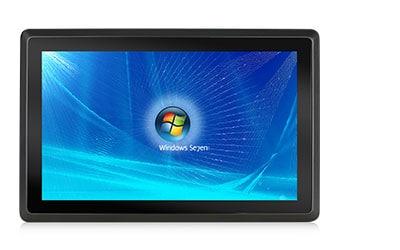
Shopping mall directories, exhibition information points and self-service terminals need responsive touch interaction alongside content playback and background services.
A GT1200 with a recent-generation Core i5 configuration is a suitable candidate for evaluation. Its display options, USB ports, and serial connectivity support integration with compatible screens and peripherals.
During implementation:
- Connect video through the selected display interface and touch input through the appropriate connection, typically USB.
- Verify touchscreen and peripheral drivers with the target operating system.
- Configure a restricted, full-screen kiosk environment.
- Return the application to its home screen after inactivity and clear previous visitor sessions where applicable.
- Test complete maps, animations, web pages, and peripherals together before confirming the configuration.
Use the actual application to assess response times, memory usage, and performance headroom.
5. Multi-Site Management: Combine Local Playback with Central Control
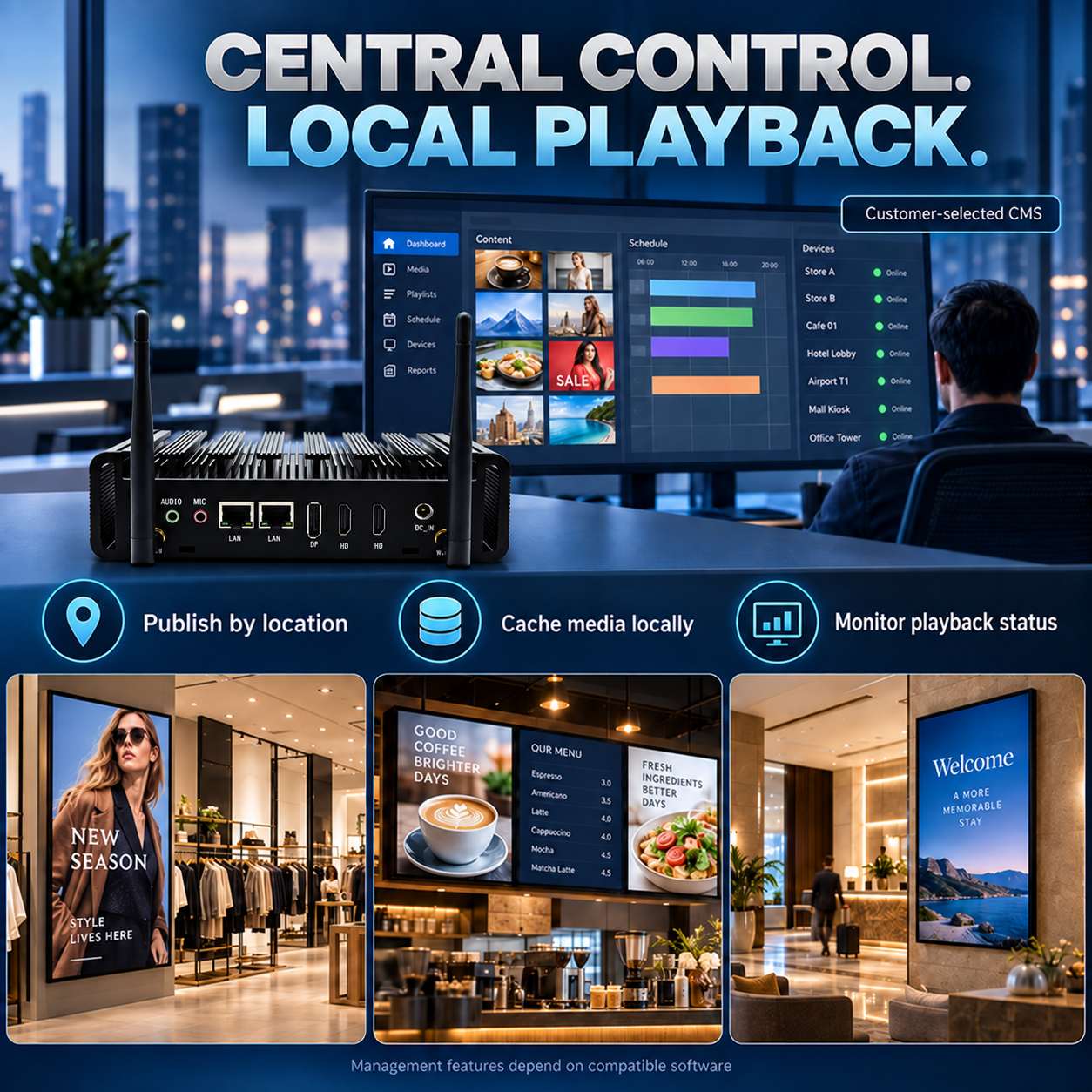
A practical architecture consists of a central CMS, local Mini PC players and connected displays. The CMS manages content, permissions, and schedules, while each player downloads, caches, and displays the assigned media.
Offline playback, remote screenshots, playback logs and alerts depend on the selected CMS or management software. JIERUICC supplies the hardware platform and supports compatibility validation with the customer’s software.
For multi-site deployments, address four operational requirements:
Track content delivery.
Record each location, device ID, content version, and last update. Confirm that scheduled content has reached the intended players.
Verify playback and display status.
Monitor device connectivity, application health, and available playback feedback. An online player or normal screenshot does not prove that the physical screen is illuminated. Critical locations may require supported display-status monitoring or on-site checks.
Control remote access.
Use a VPN or a managed remote-access platform, individual accounts, and appropriate permissions. Avoid exposing remote desktop services directly to the public internet.
Stage updates and retain rollback options.
Validate updates on test devices before rolling them out in batches. Keep a known working configuration available for recovery.
6. Validate One Complete Installation Before Scaling
Testing a complete installation before volume deployment helps identify compatibility and recovery issues early.
| Stage | Required Checks |
| Define requirements | Display quantity, interfaces, resolution, refresh rate, sample content, CMS, operating system, network and installation conditions |
| Validate the sample | Actual displays and cables, playback quality, touchscreen operation, screen layout and software compatibility |
| Test sustained operation | Run an agreed test period, such as an initial 72-hour test, while checking temperature, playback stability and resource usage |
| Test recovery | Simulate network loss, power interruption, application failure and display reconnection |
| Prepare volume deployment | Record hardware configuration, BIOS settings, drivers and system image; assign device IDs and prepare recovery instructions and spare units |
Agree on acceptance criteria before testing, including recovery time, playback quality, display layout and required remote-management functions.
7. OEM/ODM Support for Integrators and Equipment Brands
JIERUICC supports project-based evaluation of processor platforms, memory, SSD capacity, display interfaces, wireless connectivity, BIOS settings, branding and packaging.
Following sample approval, customers can agree on the configuration list, change-notification process, spare-unit arrangements, and after-sales workflow. This helps simplify future expansion and device replacement.
Customization scope, software preparation, lead times, and supply arrangements are confirmed against the agreed project requirements.
Request a Digital Signage Hardware Recommendation
Share your display quantity and interfaces, target resolution, sample content, CMS software, installation environment, and expected order volume.
JIERUICC will recommend a Mini PC configuration and support sample validation, OEM/ODM evaluation, and volume deployment planning.
Contact JIERUICC to discuss your digital signage project.