Smart Education Mini PC Solutions for Schools
Schools need computers that balance teaching requirements, purchasing budgets, and everyday maintenance. From computer labs to multimedia classrooms, the right hardware should fit the learning environment and support consistent deployment.
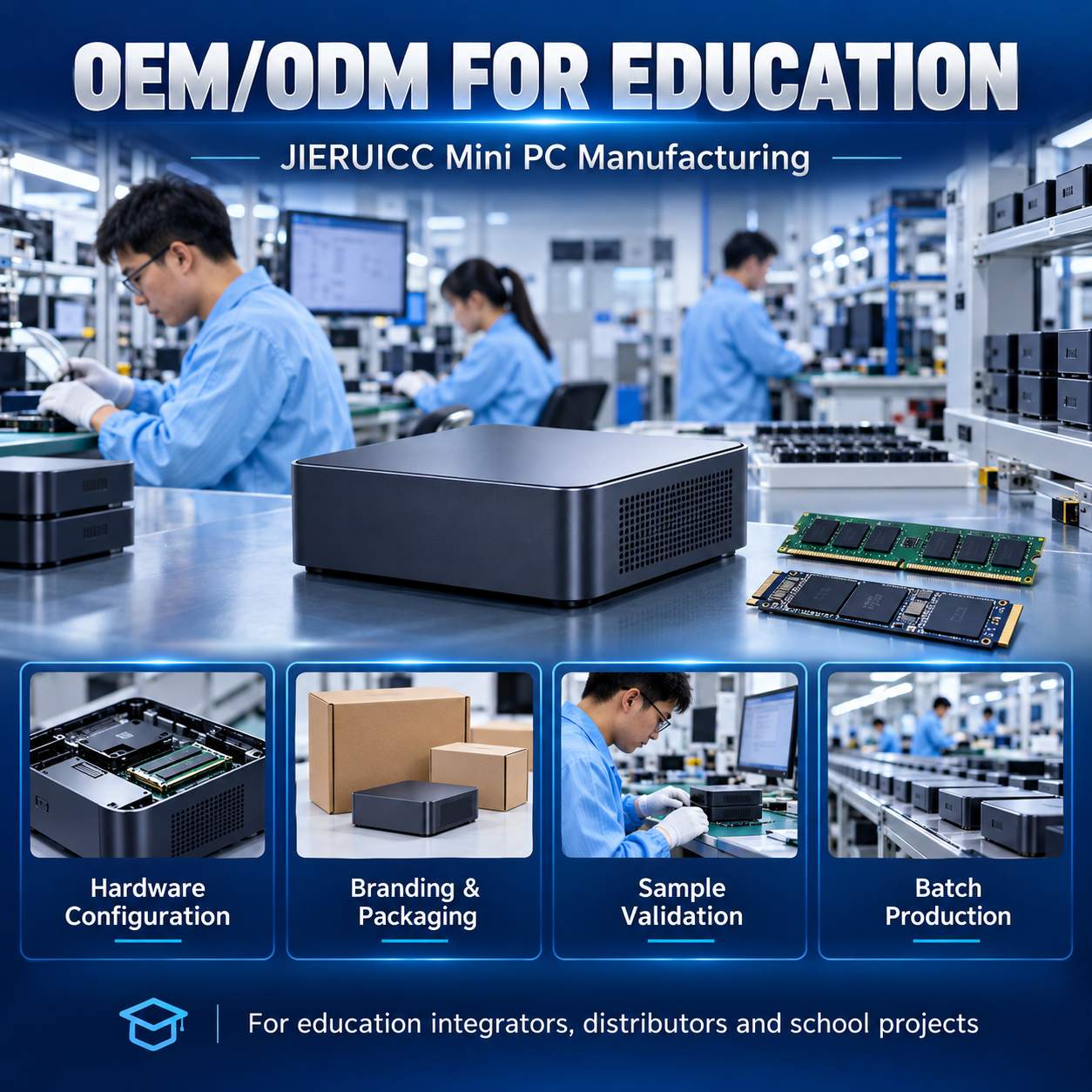
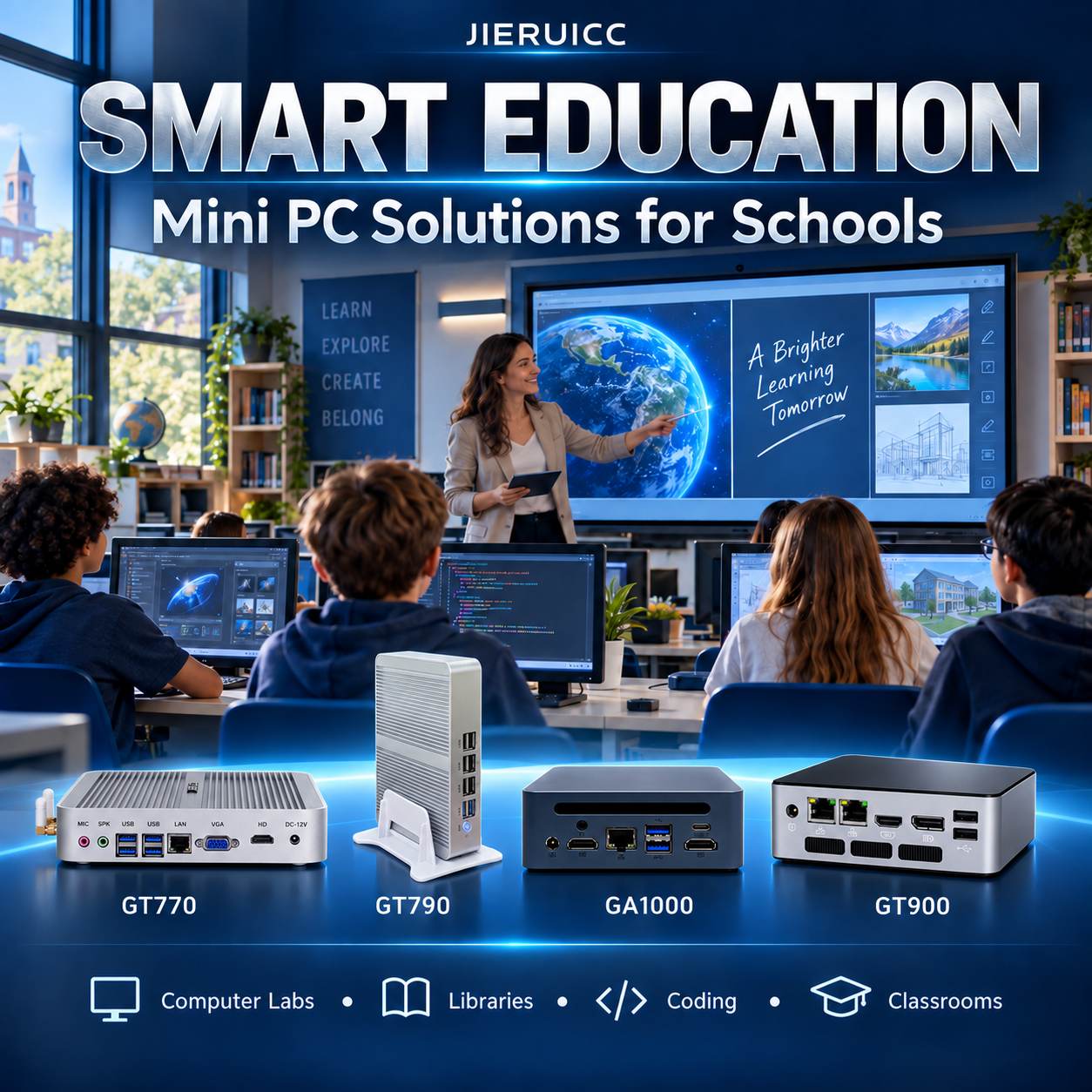
As an OEM/ODM mini PC manufacturer, JIERUICC provides configurable hardware for education system integrators, distributors, and institutional buyers. Our GT770, GT790, GA1000, and GT900 cover student workstations, library terminals, coding labs, and teacher desktops.
By matching configurations to actual workloads, reusing compatible displays, and standardizing deployment, schools can build compact computing environments that are easier to maintain and expand.
1. GT770: Quiet Computing for School Computer Labs
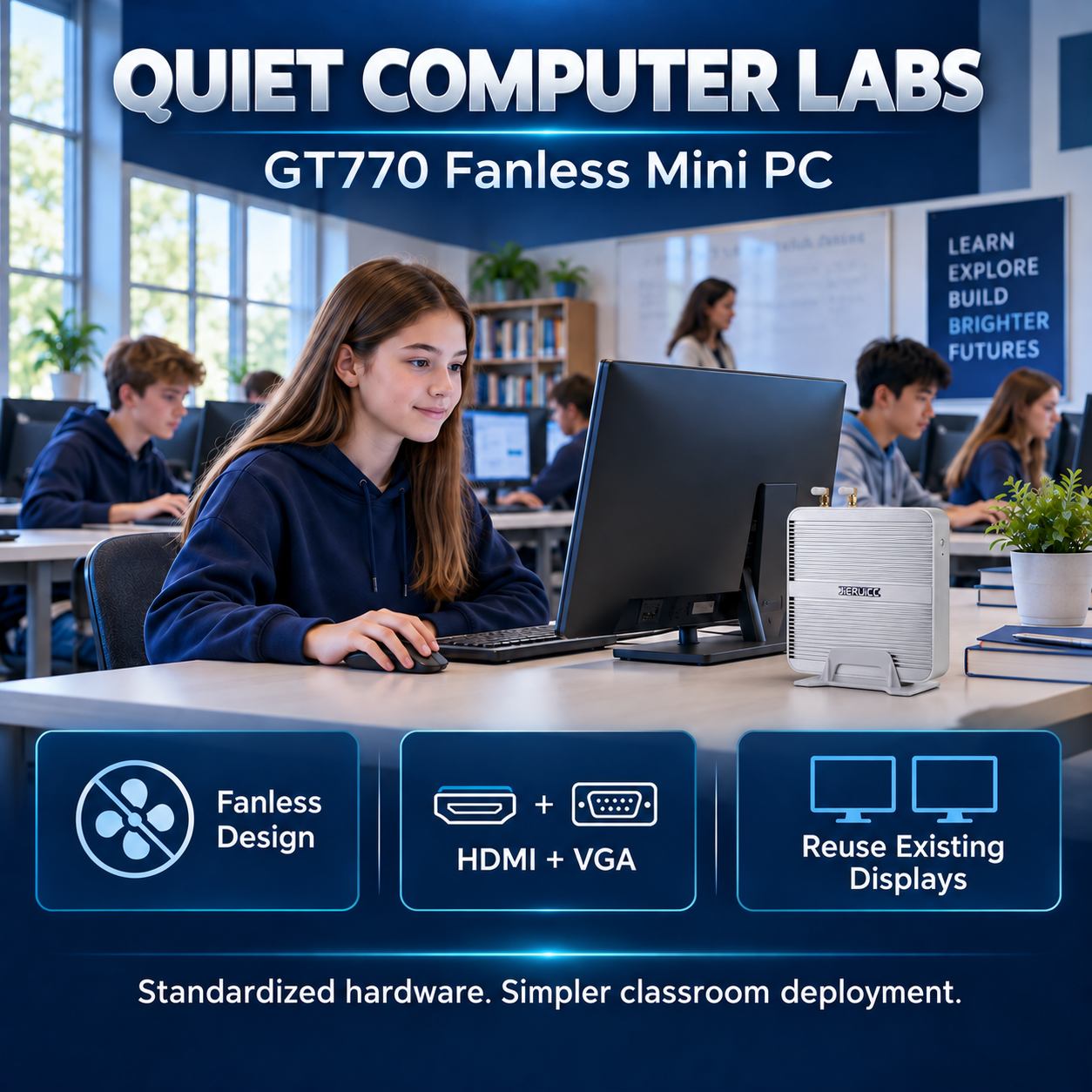
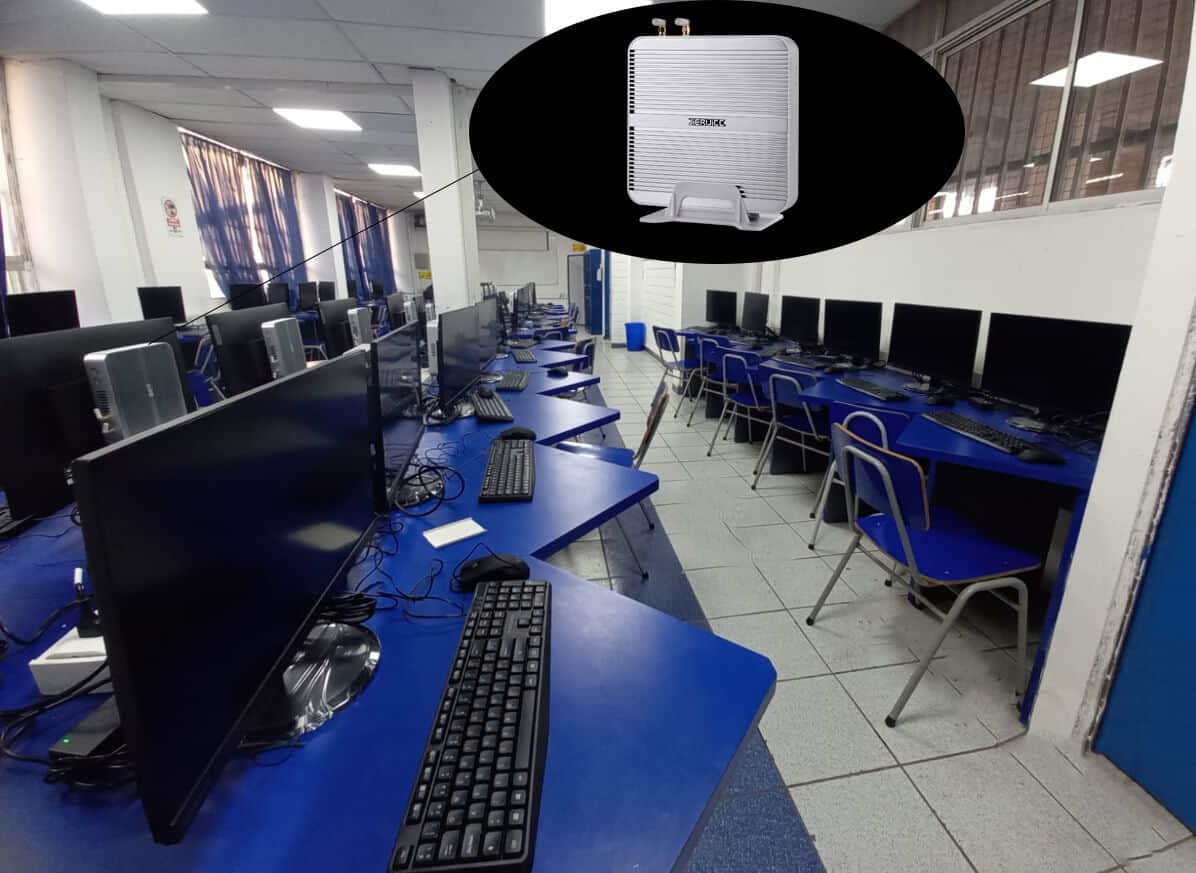
Computer lab upgrades often involve limited desk space, existing monitors, and inconsistent hardware configurations.
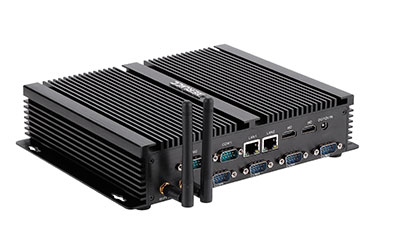
The GT770 fanless mini PC combines an aluminum enclosure with HDMI and VGA display connections. It is a practical option for document editing, browser-based learning, and introductory computing lessons. Its display interfaces allow schools to retain compatible monitors and focus their budget on the equipment that needs replacing.
For deployment, standardize the processor, memory, and SSD configuration across each classroom. Use a validated operating system image with the required teaching applications, and configure student permissions and recovery policies through the school’s management software.
Deployment priority: Confirm that the selected GT770 processor version supports the intended operating system and classroom applications before ordering.
2. GT790: Library Terminals and Online Learning Stations
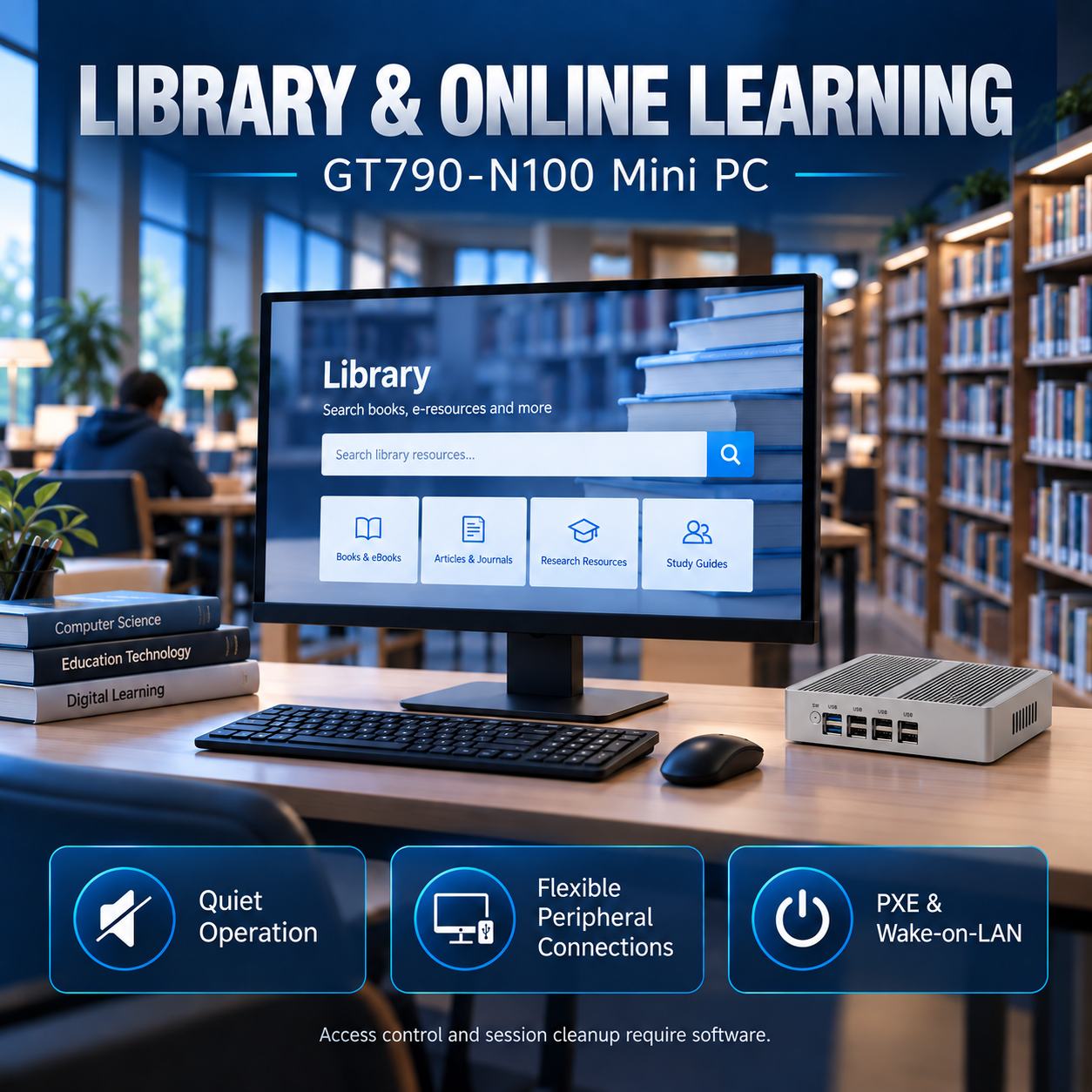
Library searches, independent study, and online assessments require quiet terminals, convenient peripheral connections, and manageable maintenance.
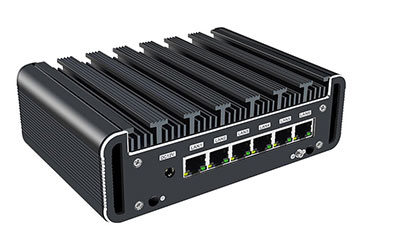
The GT790-N100 mini PC features a fanless design, two HDMI outputs, one DisplayPort output, and multiple USB ports for displays, keyboards, and compatible card readers. PXE and Wake-on-LAN provide hardware support for network deployment and remote startup when configured with the appropriate infrastructure.
A suggested starting configuration is 8GB RAM and a 256GB SSD, with wired Ethernet connecting each terminal to the campus network. Use endpoint software to restrict application access and clear personal session data after users sign out.
For assessment projects, validate the exam client, required peripherals, and simultaneous student logins before deployment.
Deployment priority: Test the complete user session—from login and application access to logout and data cleanup.
3. GA1000: Coding and Digital Creation Workstations
Running programming tools, browsers, and learning applications together can place greater demands on classroom computers.
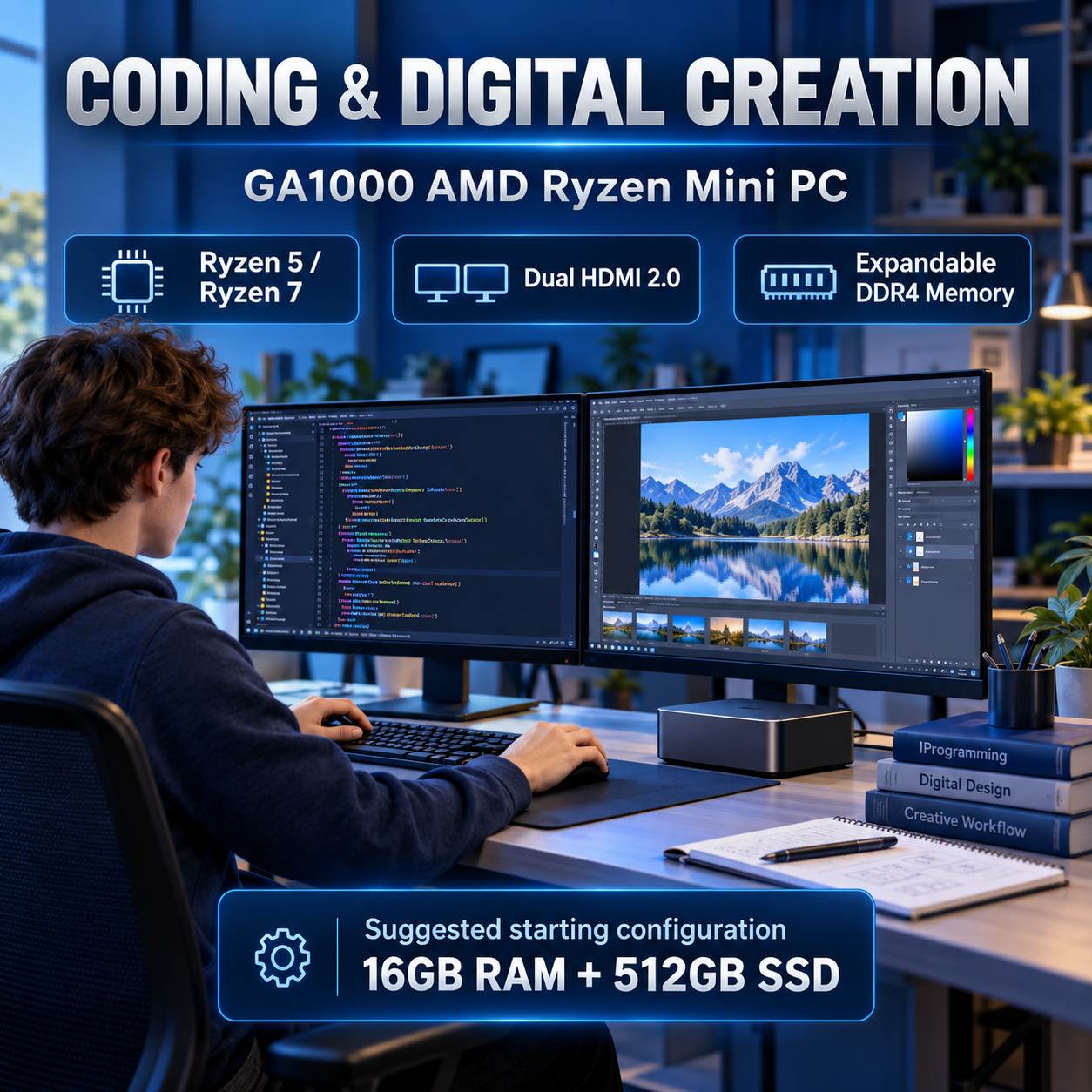
The GA1000 AMD Ryzen mini PC, available with Ryzen 5 5600H or Ryzen 7 5800H processors, offers two DDR4 memory slots, two M.2 SSD slots, and dual HDMI 2.0 outputs. These features make it a candidate for programming lessons, image editing, and introductory video production.
Start with 16GB RAM and a 512GB SSD, and evaluate 32GB RAM for more demanding coursework. A dual-monitor setup allows students to view lesson materials on one screen while working on the other.
For complex video projects or substantial 3D rendering workloads, test representative projects against the software’s graphics requirements before selecting the final configuration.
Deployment priority: Size the hardware around the actual curriculum, application versions, and project complexity.
4. GT900: Teacher Workstations for Multimedia Classrooms
Teachers frequently need to open presentations, learning platforms, and video meeting applications while displaying lesson content on a classroom screen.
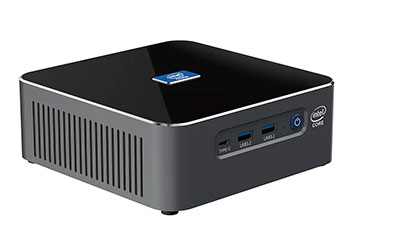
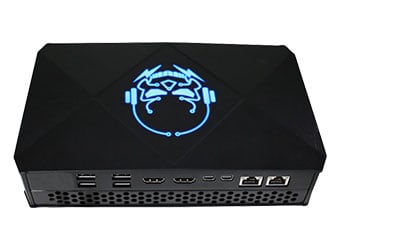
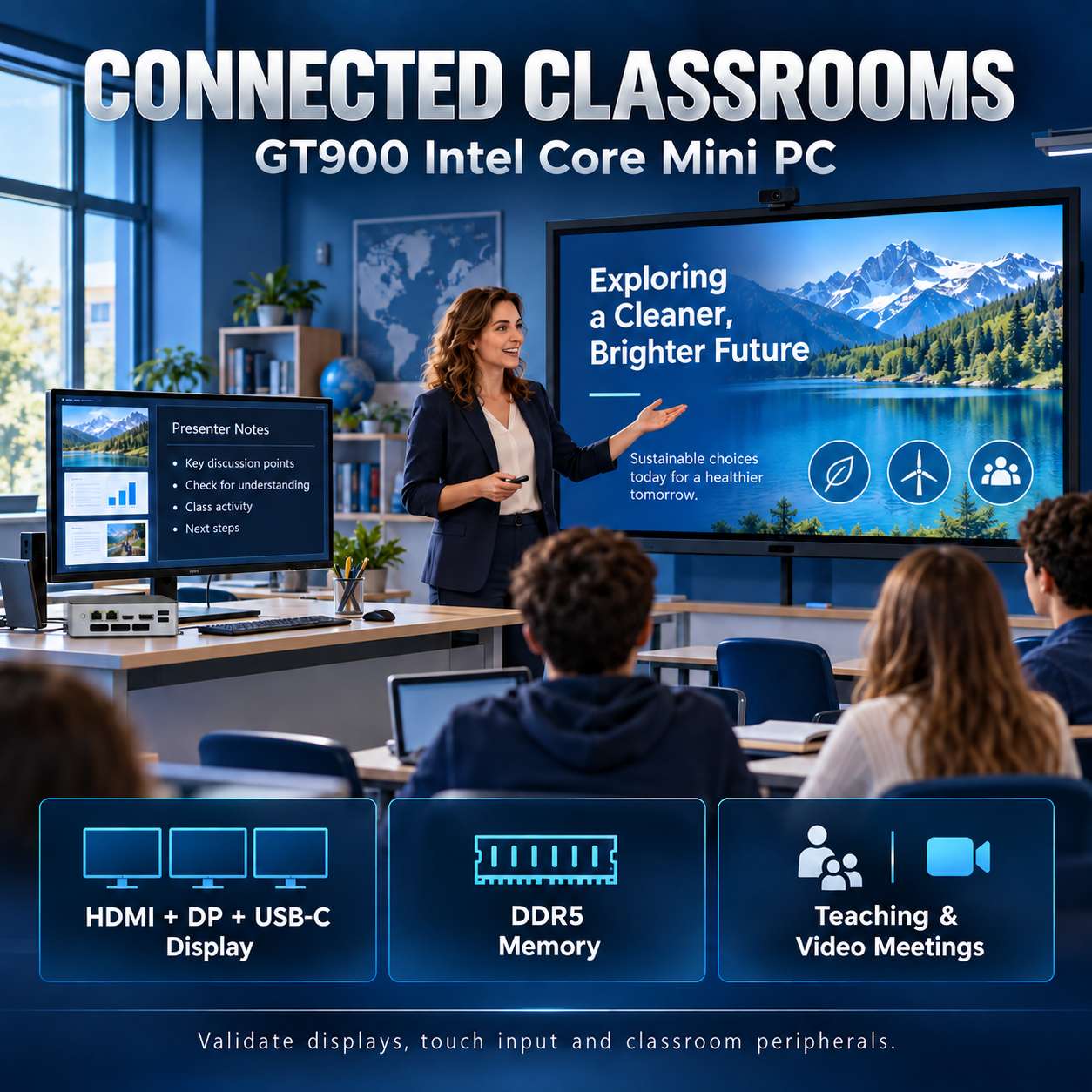
The GT900 Intel Core mini PC provides Intel Core processor options, DDR5 memory, and HDMI, DisplayPort, and USB-C display outputs. It can support an extended desktop arrangement with a teacher’s monitor and a classroom display, alongside compatible USB cameras, microphones, and other peripherals.
A suggested pilot configuration is an Intel Core i5, 16GB RAM, and a 512GB SSD. Validate the classroom display’s resolution, touchscreen USB connection, audio devices, and conferencing software as a complete system.
Keep frequently used lesson materials locally where appropriate, so local presentations remain accessible during an internet interruption.
Deployment priority: Verify the full teaching workflow, including presentation mode, touch input, audio playback, and video meetings.
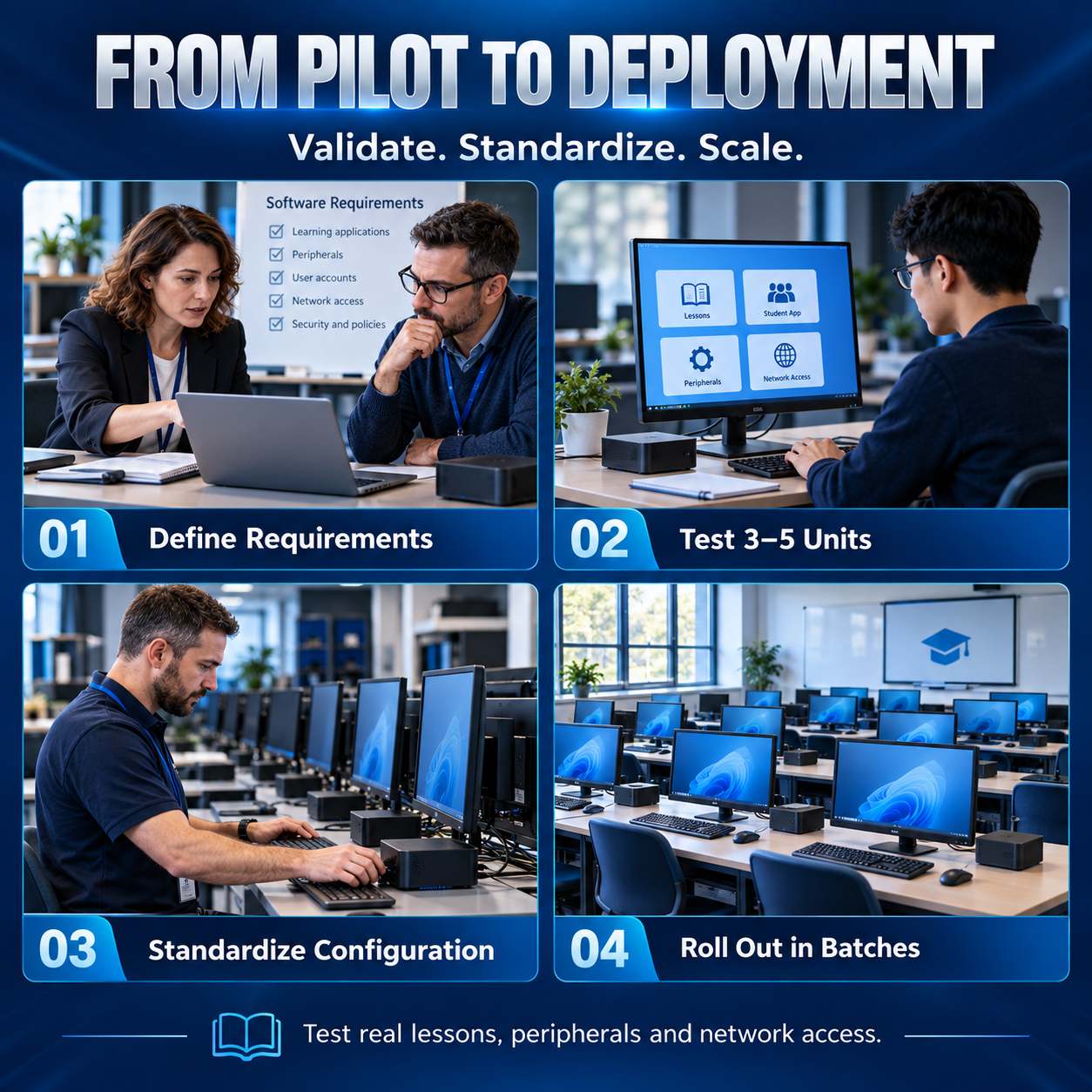
5. From Pilot Testing to Campus Deployment
A structured rollout helps identify compatibility issues early and makes subsequent installations more consistent.
- Define requirements. Record the teaching applications, peripheral interfaces, display requirements, device quantities, and budget.
- Test 3–5 pilot units. Run real lessons and check multitasking, network logins, peripheral compatibility, and stability throughout a normal school day.
- Standardize the configuration. Confirm the hardware specification, driver versions, operating system image, and software licenses. Validate separate images for different hardware platforms.
- Deploy in batches. Use endpoint management software to apply applications, permissions, and update policies. Maintain recovery images and an appropriate spare-unit pool.
- Classroom management, screen broadcasting, examination controls, and data protection depend on software configured by the school or its integration partner. JIERUICC supplies the hardware platform and supports hardware compatibility evaluation.
6. OEM/ODM Mini PCs for Education Projects
JIERUICC supports project-specific processor, memory, storage, and wireless configurations. Branding, packaging, and hardware customization can also be evaluated against project requirements.
Through sample validation, standardized configurations, and batch manufacturing, we help education distributors and system integrators deliver computers suited to real classroom needs.