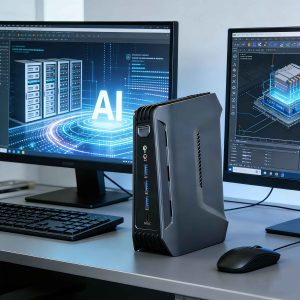
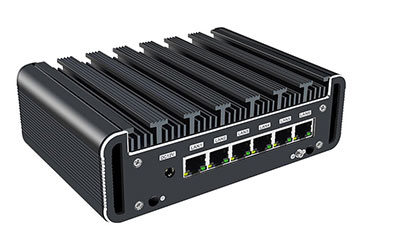
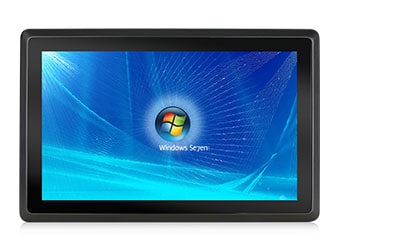
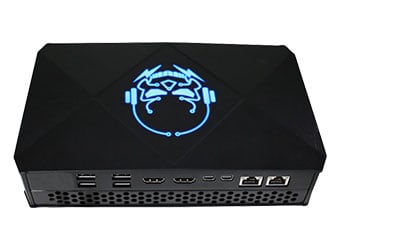
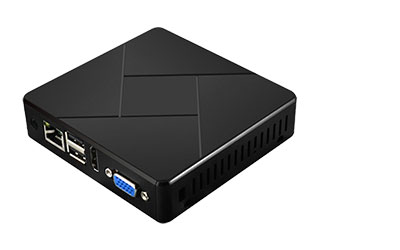
The open-source AI agent OpenClaw (Crayfish) has exploded in popularity across the local AI community, thanks to its local-first architecture, automated task execution, and end-to-end data privacy controls. It has quickly become the top pick for individuals and small teams aiming to build a dedicated AI assistant that keeps all sensitive data offline and fully secure.
But a common question lingers: Can a compact, low-power mini PC smoothly run OpenClaw? What hardware specs do I need for hassle-free local deployment?
As a professional mini PC manufacturer with rigorous real-world testing, we can confidently confirm that premium low-power mini PCs are fully optimized for OpenClaw deployment. They deliver lightweight AI automation, silent operation, energy efficiency, and space-saving design, making them the perfect replacement for bulky desktop towers as dedicated local AI servers. This step-by-step guide walks you through every stage of building your OpenClaw setup, with curated hardware recommendations and field-tested troubleshooting hacks—ideal for both tech newbies and AI enthusiasts.

Why Mini PCs Are the Ideal Match for OpenClaw Local Deployment
Compared to full-sized desktops and rack servers, low-power mini PCs are the gold standard for running OpenClaw locally. They excel at 24/7 AI automation, home/office use, and long-term idle operation, with unbeatable benefits for personal and small-business users:
- Ultra-Low Power for 24/7 Uninterrupted Runtime
OpenClaw requires constant uptime for real-time task automation and instant command responses, but traditional desktops guzzle 100W+ of power, driving up electricity bills and causing overheating-related lag. Our mini PCs draw just 10–35W total power, meaning near-zero daily electricity costs even with round-the-clock operation. This eco-friendly design ensures stable OpenClaw performance, eliminating crashes and downtime from excessive power draw.
- Palm-Sized Design for Flexible Placement
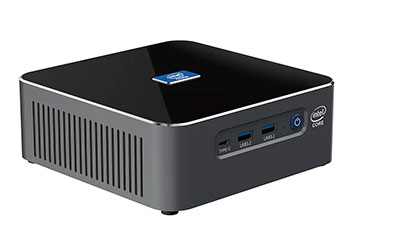
Mini PCs fit in the palm of your hand, breaking free from space constraints. Tuck one into a desk corner, network cabinet, wall-mount it, or slide it into a small server rack—no dedicated equipment space required. This ultra-compact footprint makes local AI deployment seamless for home offices, small businesses, and compact workspaces, ditching the bulk of full-sized desktops for a minimalist setup.
- Silent Operation for Any Environment
Built with low-power processors and advanced silent cooling systems, our mini PCs produce virtually no operational noise. Whether placed on a desktop, in a bedroom, or a shared office, they won’t disrupt your workflow or living space. Enjoy quiet AI task execution, file processing, and command responses—far quieter than the loud fan noise of traditional desktops.
- Balanced Performance & Unbeatable Value
OpenClaw doesn’t demand high-end flagship hardware to run smoothly. Our low-power mini PCs, equipped with Intel N100, N305, i3-N305 processors and 8GB+ of RAM, handle OpenClaw’s base version and lightweight local models effortlessly. You’ll get core AI automation, instant command responses, and file processing capabilities without the steep cost of premium servers or high-end desktops, fitting every budget.
- Full Data Privacy & Local Control
Despite their small size, mini PCs offer complete local storage and computing power. With OpenClaw installed, all AI data, command logs, and processing records stay 100% local—no third-party cloud uploads, no data breach risks, no privacy leaks. For privacy-focused individuals, small retailers, and startups, this local deployment model is far more secure than cloud-based AI alternatives.
- Beginner-Friendly, Plug-and-Play Deployment
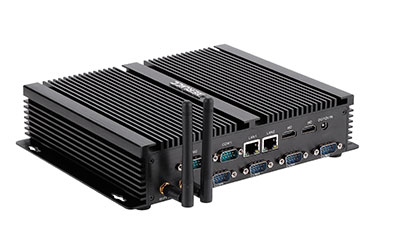
Our mini PCs come preloaded with Windows/Linux operating systems and feature full I/O ports, simplifying OpenClaw environment setup. No complex hardware tweaks or messy wiring needed—even non-technical users can follow our straightforward guide to install, configure, and launch OpenClaw, making local AI accessible to everyone.
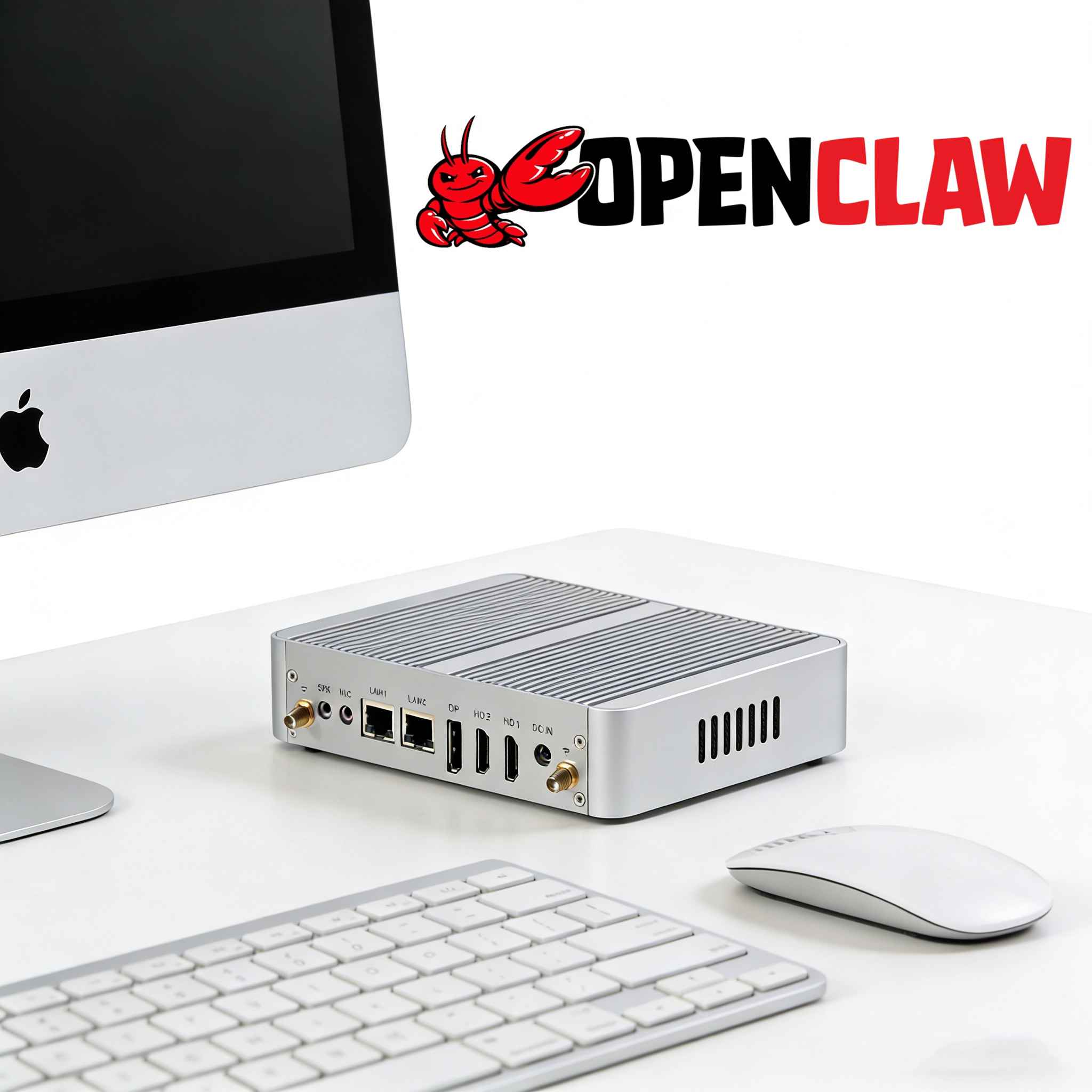
Critical OpenClaw Deployment Tips & Pitfalls to Avoid (Mini PC Specific)
Ensure long-term, stable OpenClaw performance on your mini PC with these manufacturer-tested best practices to prevent lag, crashes, and failed deployments:
- Prioritize RAM (The Biggest Performance Bottleneck): OpenClaw is memory-intensive—never go below 4GB RAM. Start with 8GB RAM for cloud API-only use, and upgrade to 16GB for local lightweight model deployment to avoid slow responses and interrupted tasks. Opt for DDR4/DDR5 high-frequency RAM for better scalability.
- Use SSD Storage Only (Avoid HDDs): OpenClaw’s model loading and file read/write speeds depend on fast storage. Mechanical hard drives (HDDs) cause slow load times and deployment failures. Stick to NVMe SSDs: 256GB is the minimum baseline, while 512GB is ideal for long-term model and log storage.
- Don’t Skip Proper Cooling: Even low-power mini PCs generate heat during 24/7 operation. Choose models with silent fans and large heat sinks; avoid passive-cooled-only devices to prevent thermal throttling and unexpected OpenClaw crashes.
- Optimize OS & Dependencies: Use 64-bit Windows 10/11 or mainstream Linux distributions. Disable automatic system updates and sleep mode to maintain constant uptime. Pre-install Node.js, Git, and other required dependencies, and follow official guides to avoid version compatibility errors.
- Stable Network & Power Are Non-Negotiable: Use a wired Ethernet connection (2.5G LAN preferred) for reliable remote control and model updates, instead of unstable Wi-Fi. Always use the original power adapter to prevent random restarts and disconnections that break AI task execution.
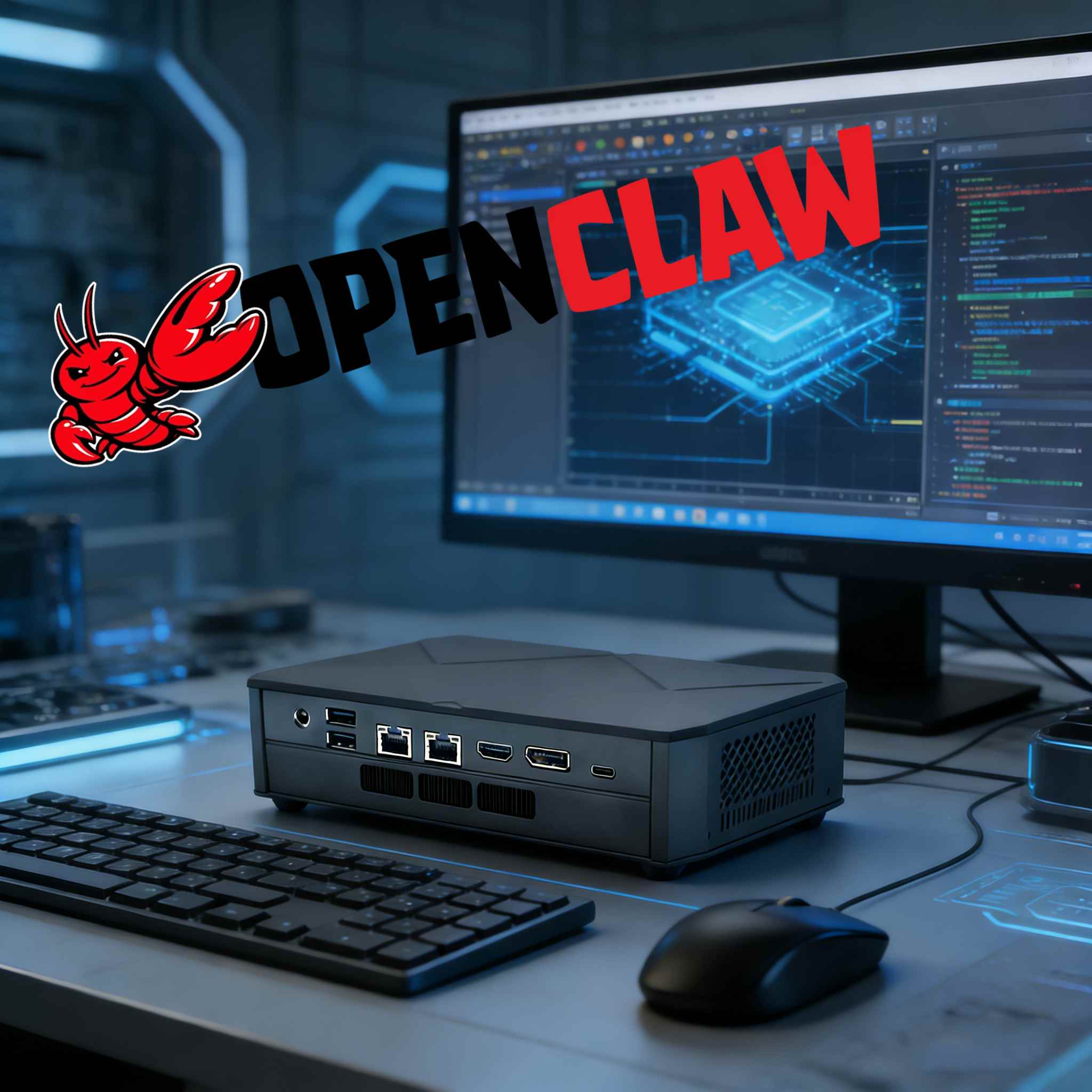
Curated Mini PC Configs for OpenClaw (3 Tiers for Every User)
We’ve tailored three performance tiers based on OpenClaw’s system requirements and our flagship mini PC models, taking the guesswork out of hardware selection:
🔥Entry-Level (Best for Cloud API & Basic Testing)
- CPU: Intel N100 Quad-Core Low-Power Processor
- RAM: 8GB DDR4
- Storage: 256GB NVMe SSD
- Power Draw: <15W
- Ideal Use Case: OpenClaw basic feature testing, daily light automation, 24/7 cloud API operation (perfect for beginners and casual users)
🌟Standard Version (Top Pick for Local Model Deployment)
- CPU: Intel i5 / AMD Ryzen 5 Multi-Core Processor
- RAM: 16GB DDR4
- Storage: 512GB NVMe SSD
- Power Draw: <25W
- Ideal Use Case: Local lightweight AI models, AI office automation, batch file processing, small team shared access (best value for performance)
⚡Pro Version (For Advanced AI Users)
- CPU: Intel Ultra CPU/ AMD Ryzen 9 High-Performance Low-Power Processor
- RAM: 32GB DDR5
- Storage: 1TB NVMe SSD
- Power Draw: <35W
- Ideal Use Case: Local large model operation, multi-task parallel processing, AI development debugging, enterprise-grade automation (max performance for heavy workloads)
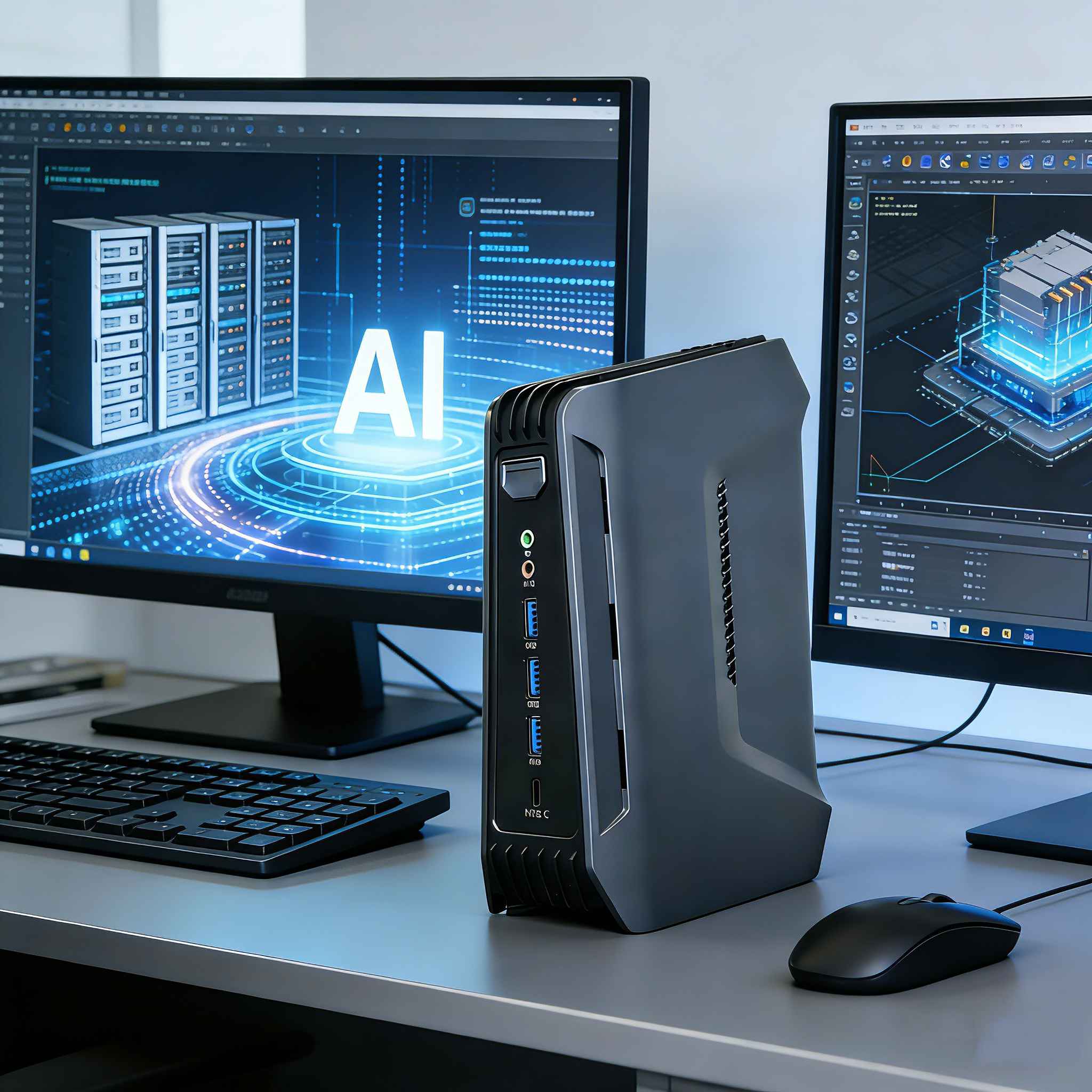
Final Verdict: Mini PCs Are the Best Choice for OpenClaw
Lightweight AI agents like OpenClaw aren’t exclusive to high-end servers. Low-power mini PCs check every box for local AI deployment: energy efficiency, compact size, silent operation, and unbeatable affordability. Whether you’re building a personal AI assistant at home or a lightweight smart office terminal for your small business, our mini PCs deliver a seamless OpenClaw experience, putting powerful local AI within reach for every user.
Need a pre-configured OpenClaw runtime environment or custom hardware configurations? Reach out to our team today to build your dedicated private AI agent with zero setup hassle!